Inventory - Storage Areas
Step 1: Log in to the VAIRKKO platform.
Step 2: Click admin in the upper right corner to enter the administrative area.
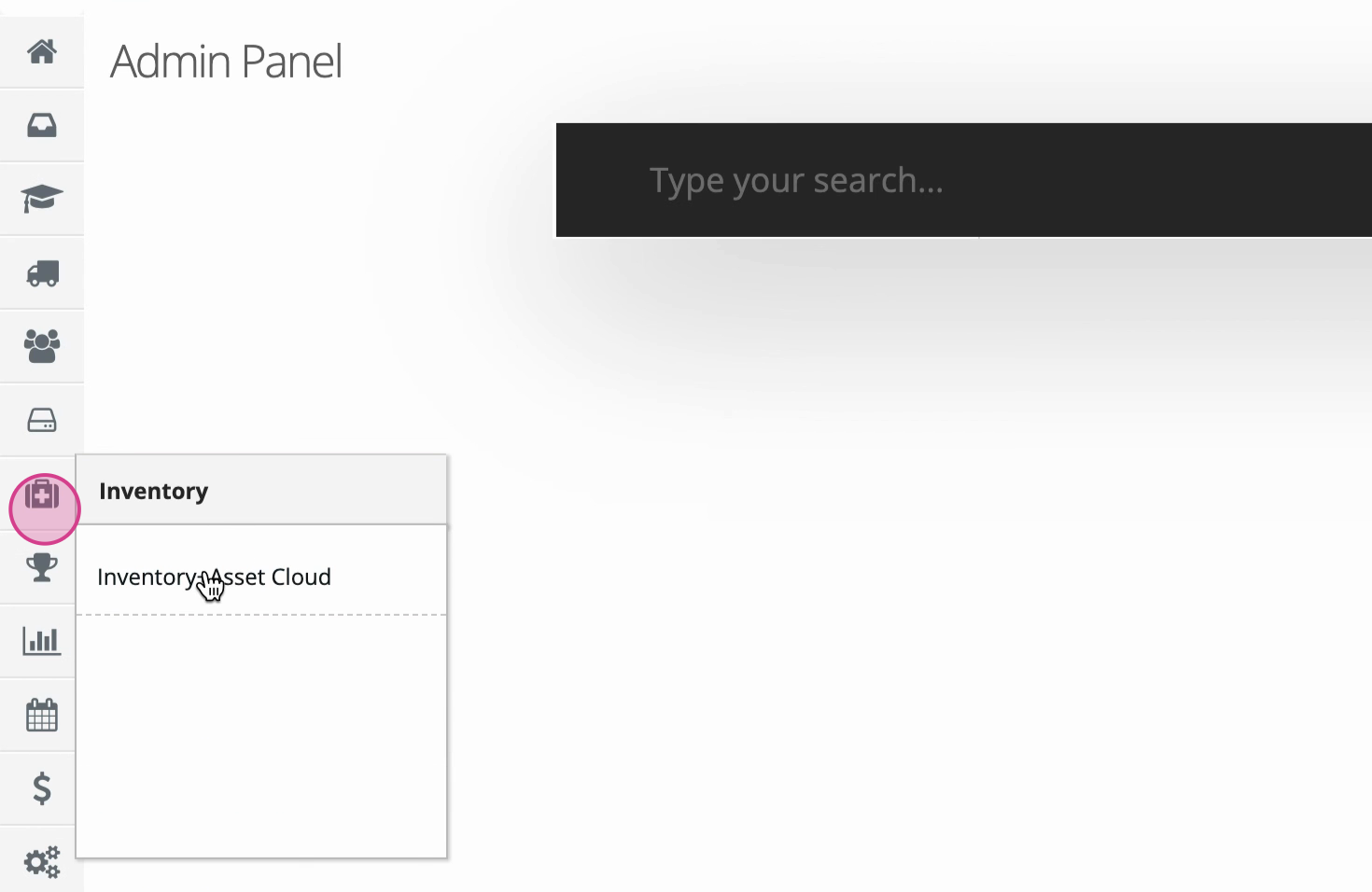
Step 3: Navigate to Inventory and Asset Cloud.
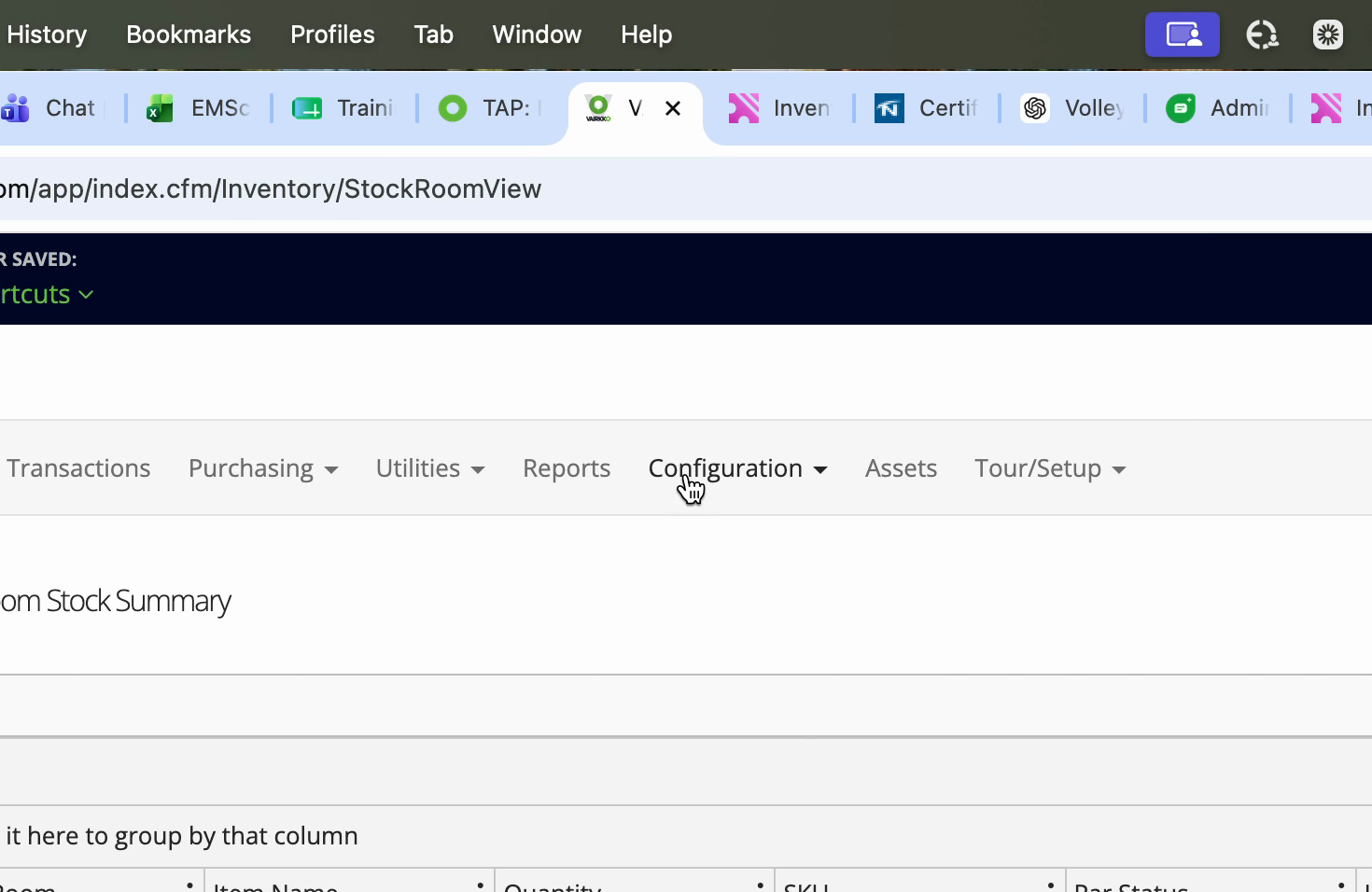
Step 4: At the top of the screen, select Configuration.
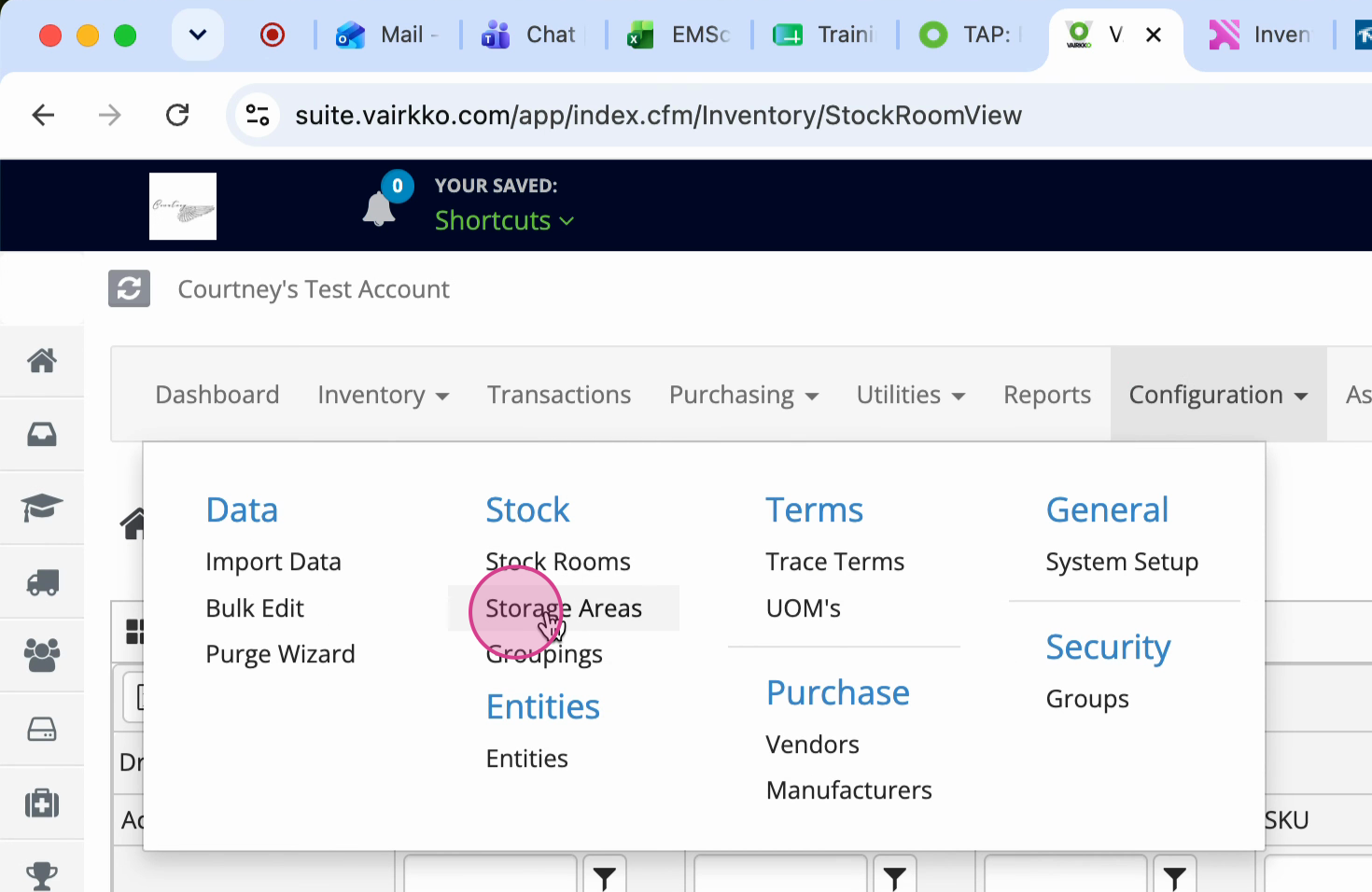
Step 5: Choose stock from the menu, then click Storage Areas.
Step 6: To create a new storage area, give it a name and hit submit.
Step 7: To manage existing storage areas, go to the Manage tab. Click the Actions button next to a storage area to Edit or Remove it.