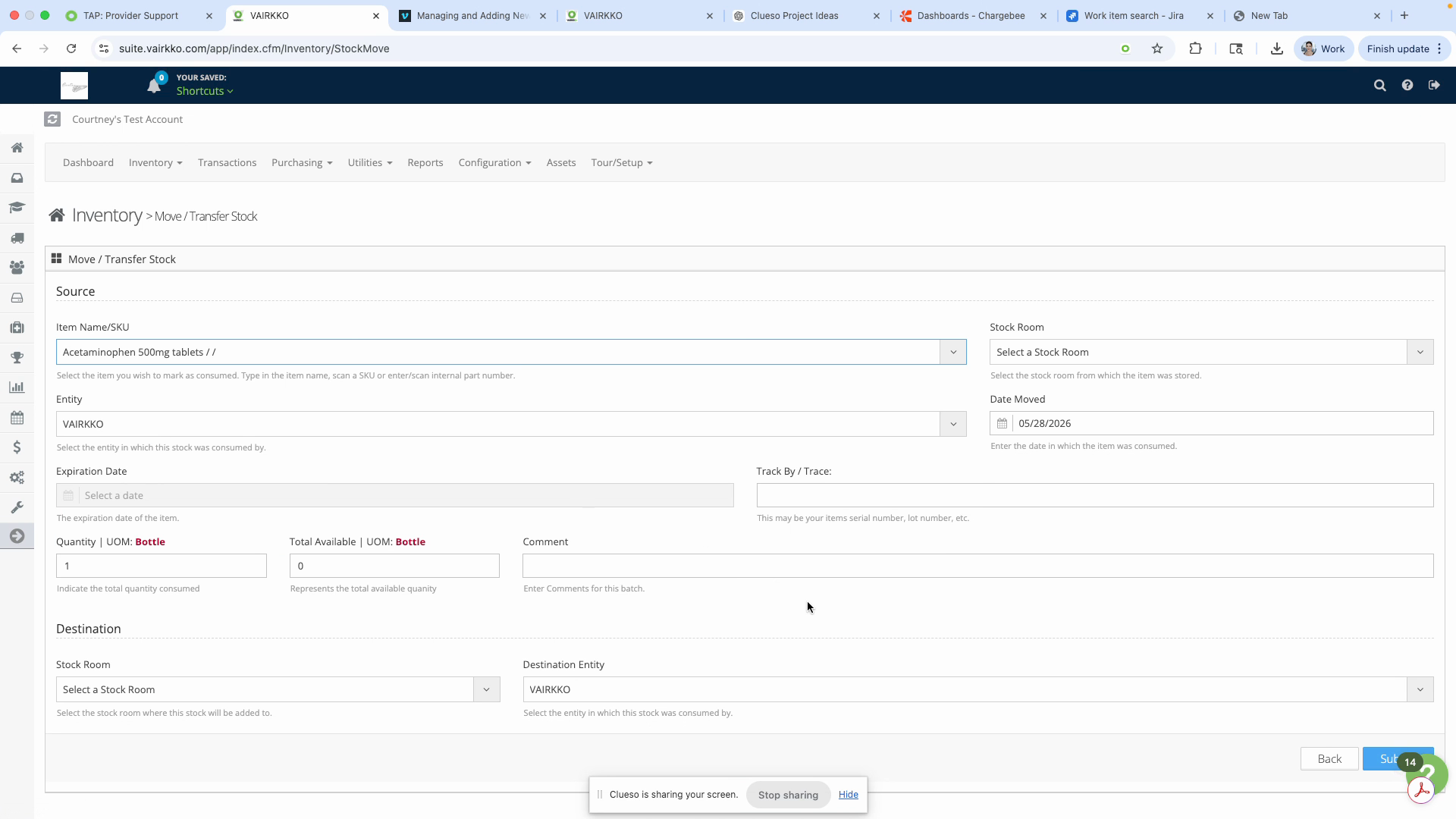
Inventory - Moving Stock
Moving stock in VAIRKKO lets you accurately transfer inventory from one location to another, keeping your stock counts correct in both rooms. Use this feature when you need to update which stockroom holds certain items — for example, shifting items from your main stockroom to an outlying stockroom.
Step 1: Log in to the VAIRKKO platform.
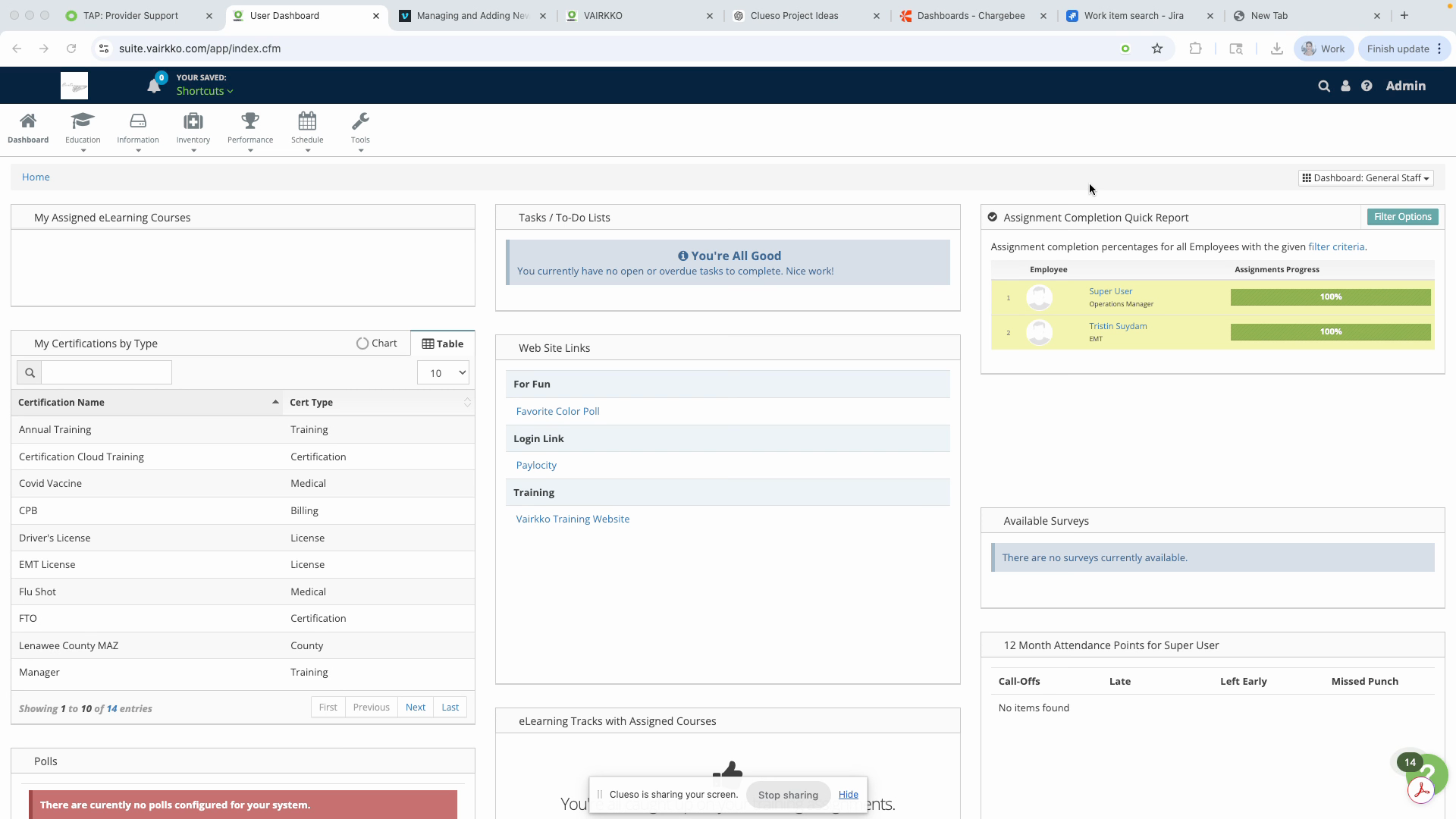
Step 2: Go to the administrative area by clicking Admin in the upper right corner.
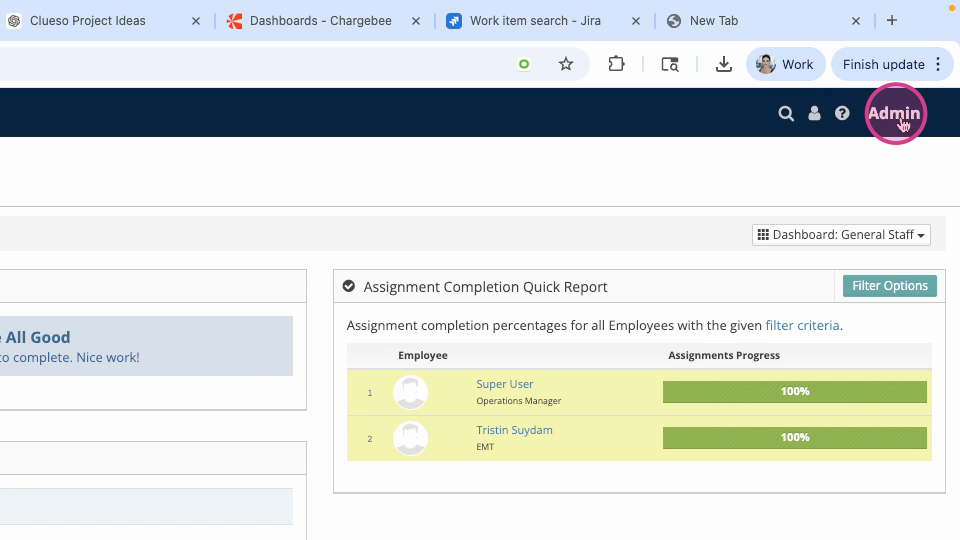
Step 3: Access the Inventory and Asset Cloud.
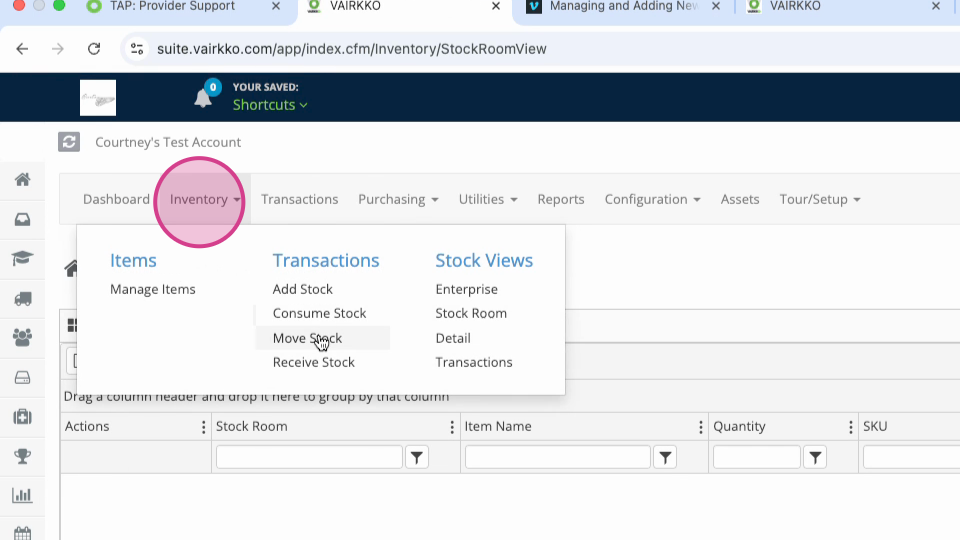
Step 4: At the top navigation, click Inventory and choose Move Stock.
Step 5: Follow the on-screen prompts to move your stock to a different stockroom.