Maintenance Plan Creation and Management
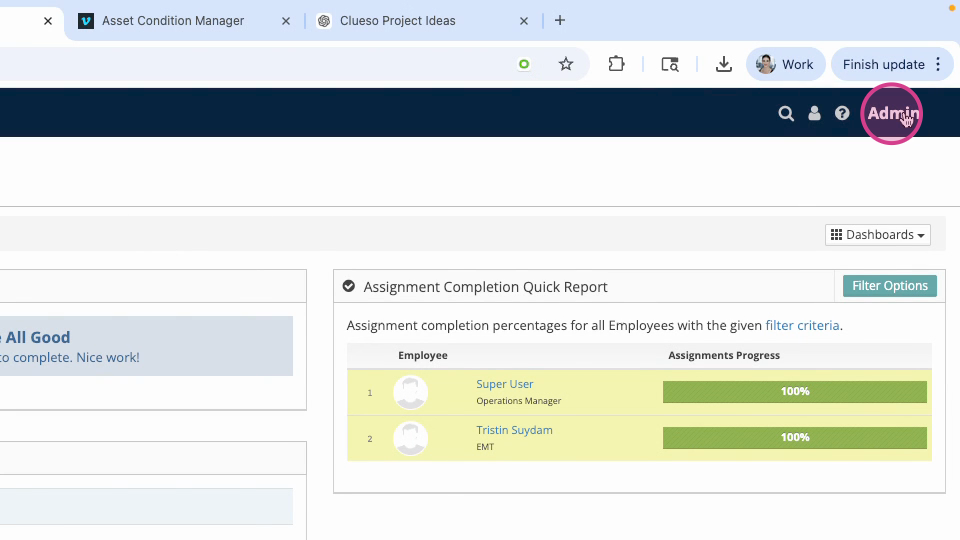
Step 1: Log in to the VAIRKKO platform. Click Admin in the upper right corner to access the administrative area.
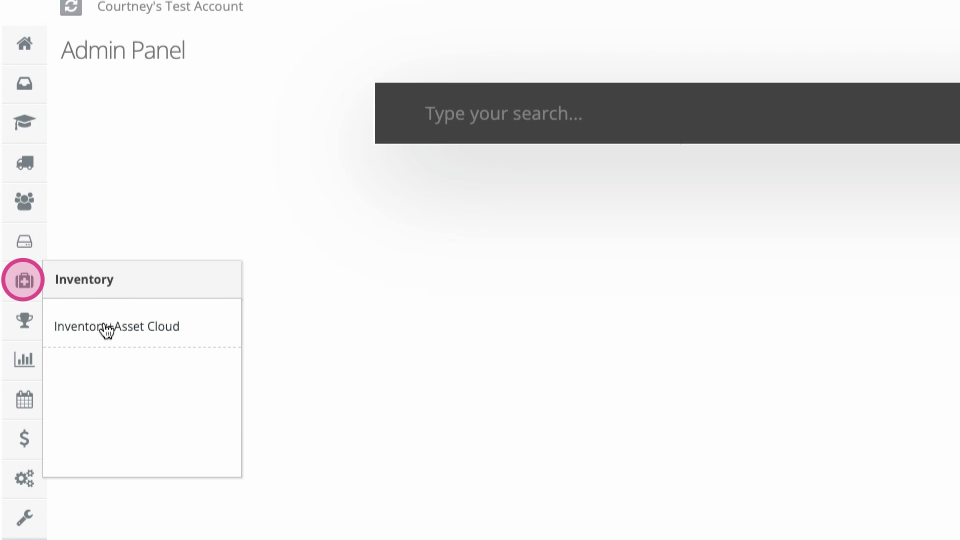
Step 2: Open the Inventory & Asset Cloud from the administrative toolbar.
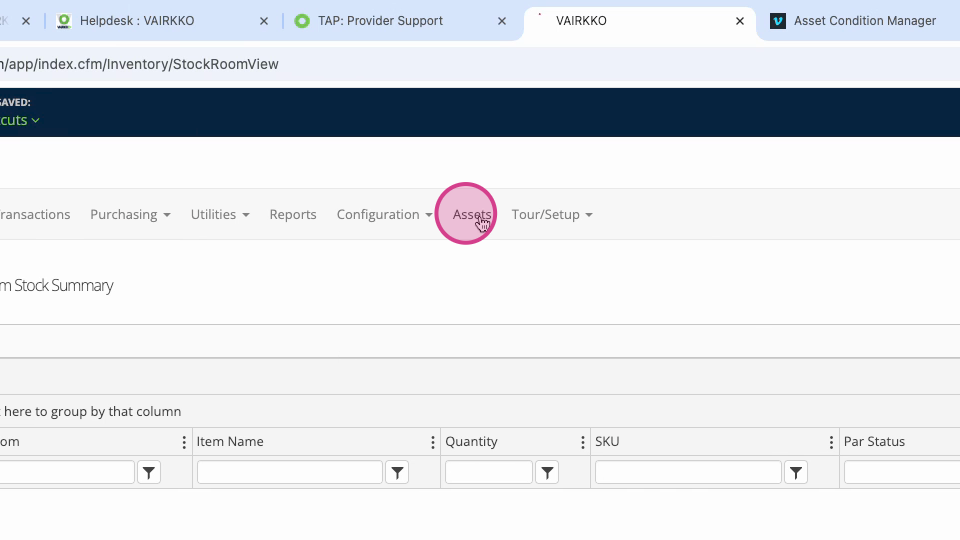
Step 3: Use the in-app menu to select Assets at the top.
Step 4: Go to Configuration, then select Maintenance Plans.
Step 5: Click Add Maintenance Plan Template.
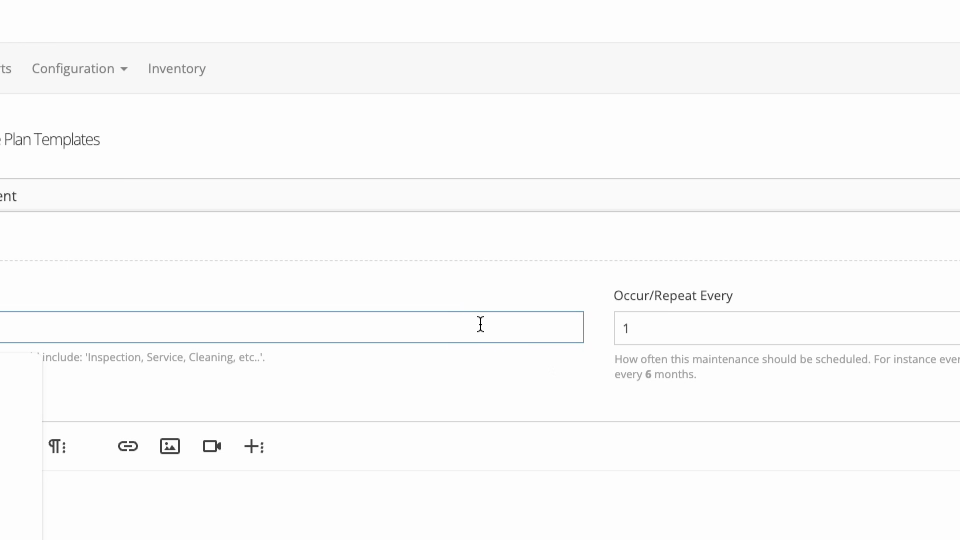
Step 6: Enter a name for your new plan. Follow the on-screen prompts to complete the maintenance plan details.
Step 7: To manage a maintenance plan, make sure you’re in the Manage section.
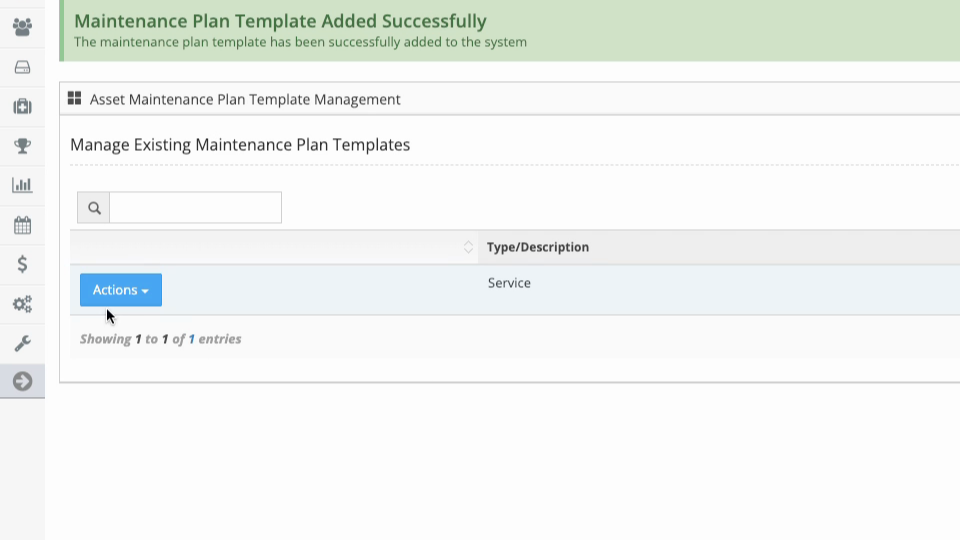
Step 8: Click the Actions button to view or edit the plan.
Step 9: Use the options to mass assign assets to a plan or disable it as needed.