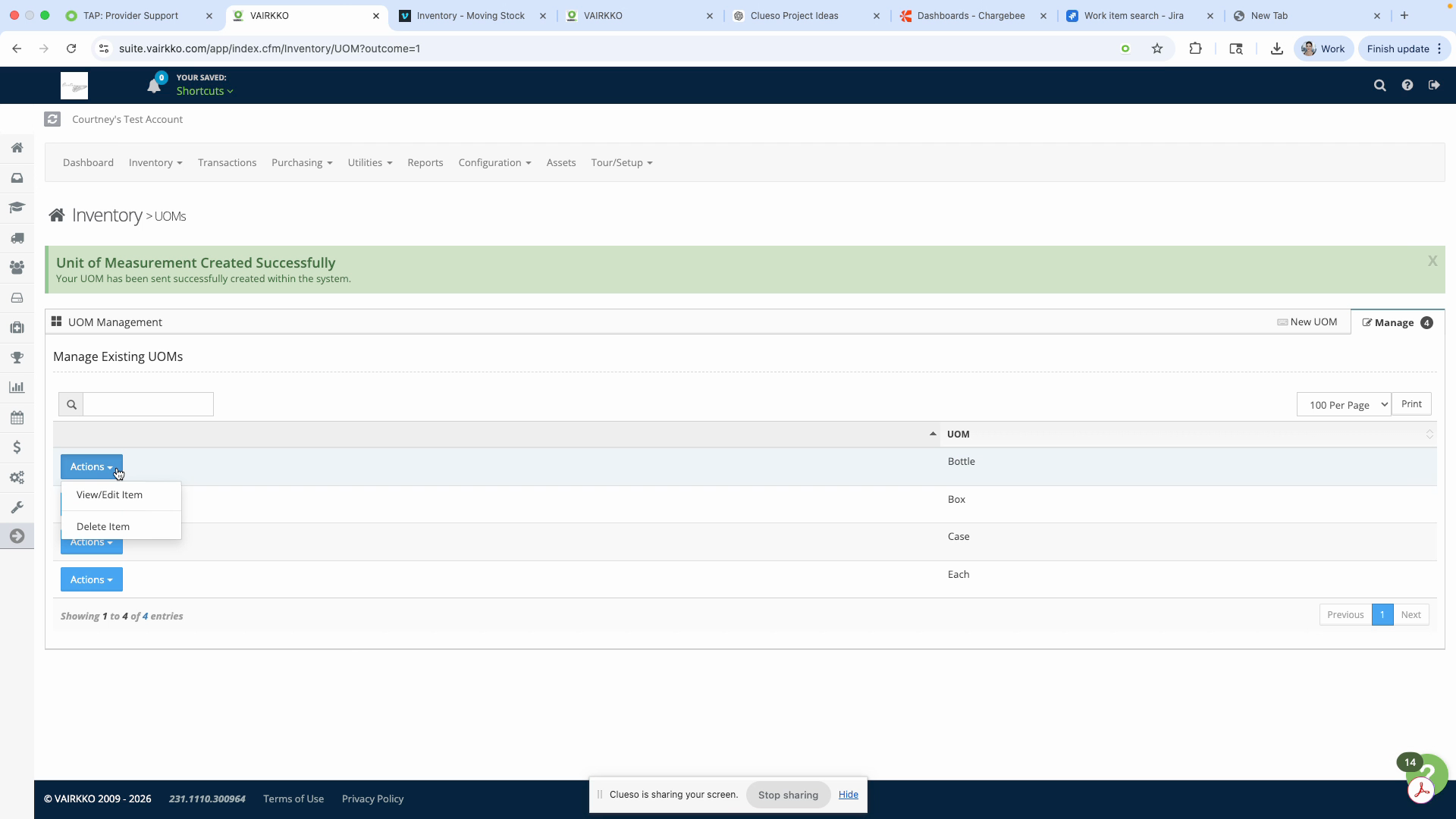
Inventory - UOM's
A UOM (unit of measurement) defines how products are stored or shipped in VAIRKKO. Examples include box, package, each, or case. Setting up and managing UOMs helps ensure accurate tracking of inventory and shipments.
Step 1: Log in to the VAIRKKO platform.
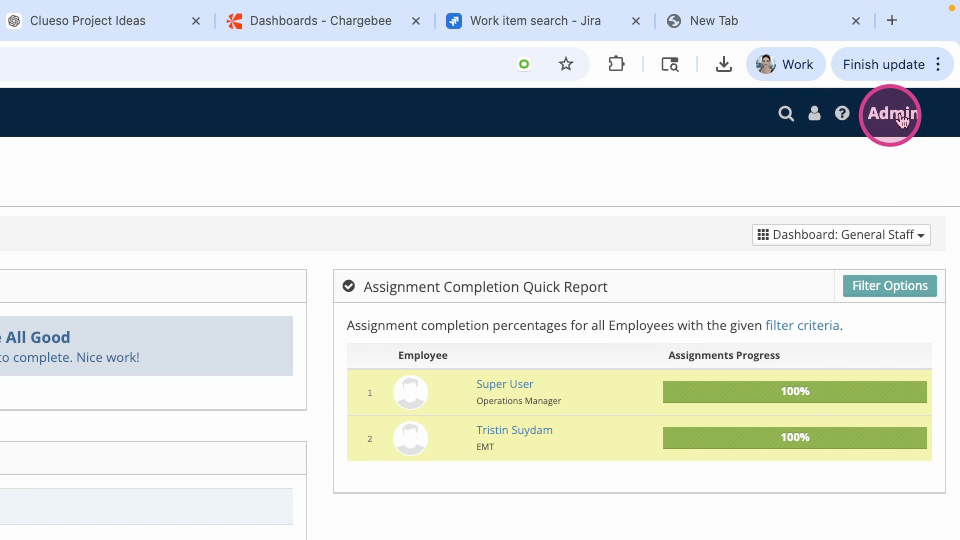
Step 2: Click Admin in the upper right-hand corner.
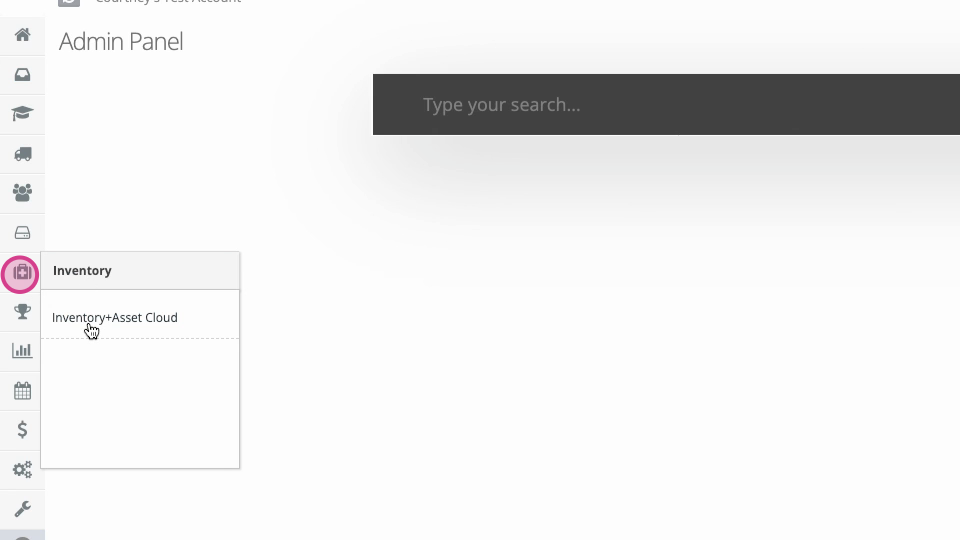
Step 3: Navigate to the Inventory and Asset Cloud section.
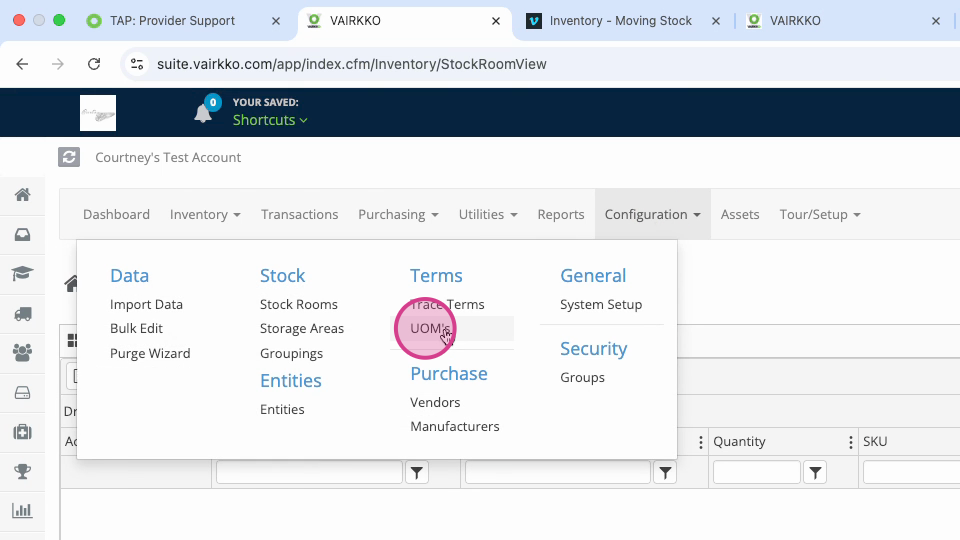
Step 4: Under Configuration, select UOM's.
Step 5: To add a new UOM, go to the New UOM tab.
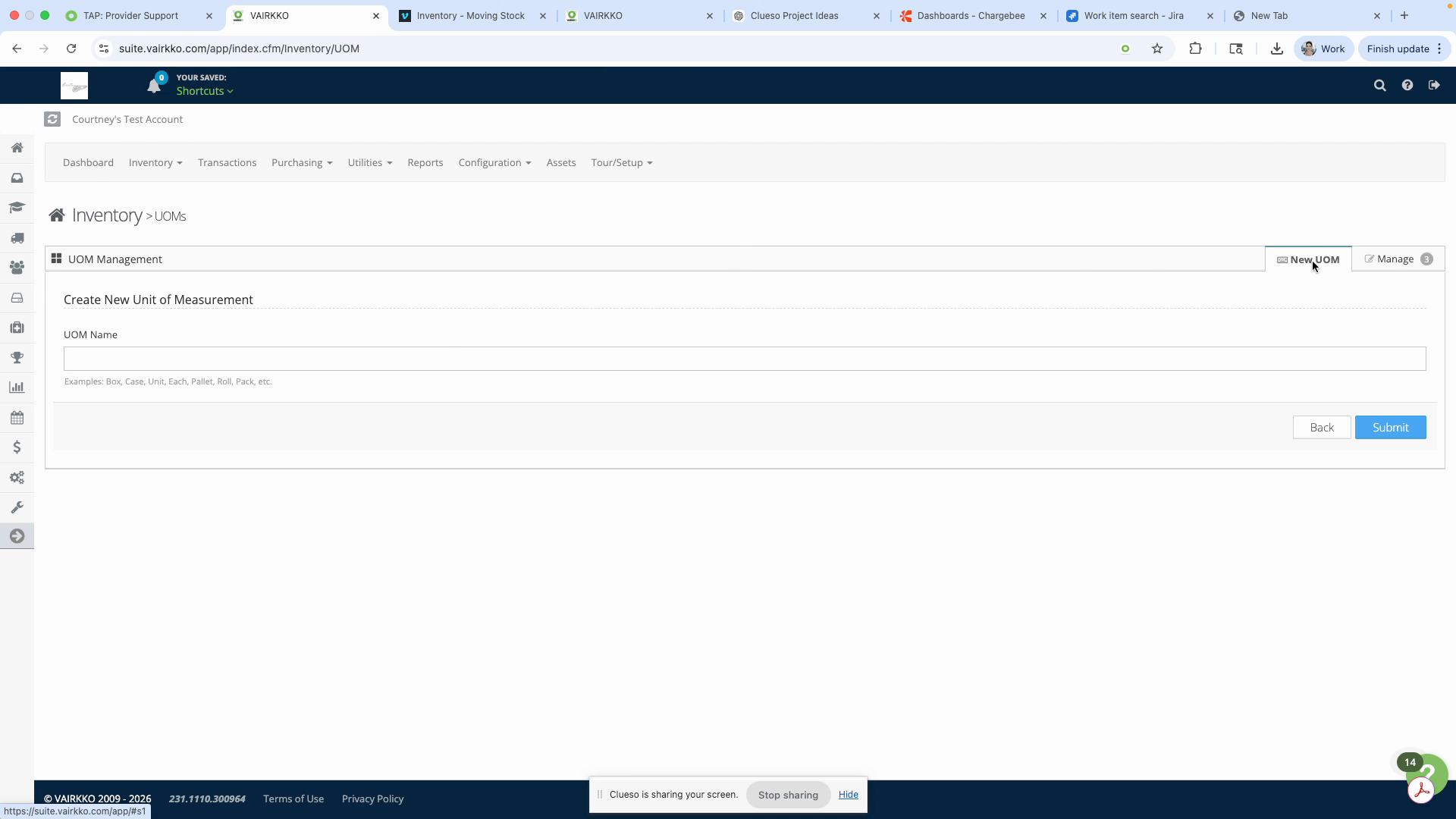
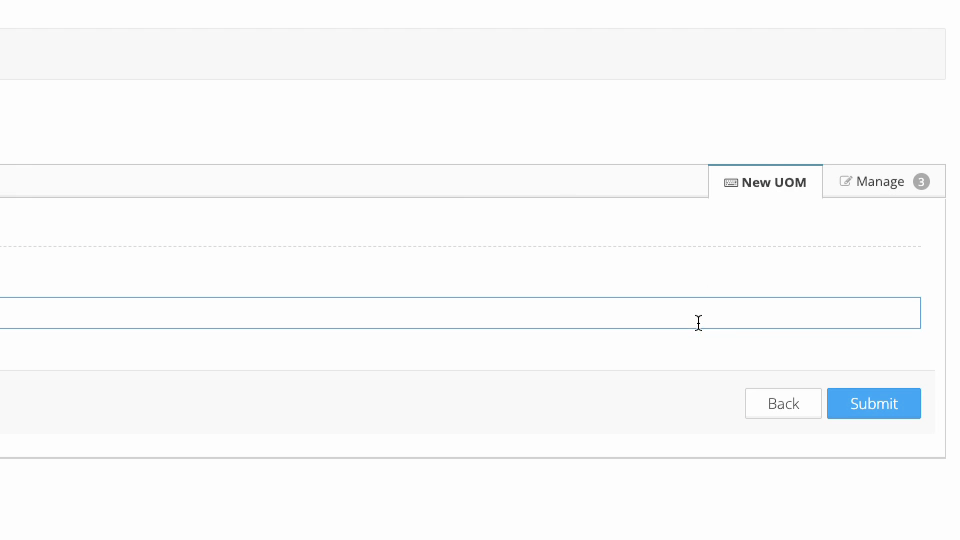
Step 6: Enter a name for the new UOM.
Step 7: To manage existing UOMs, open the Manage tab.
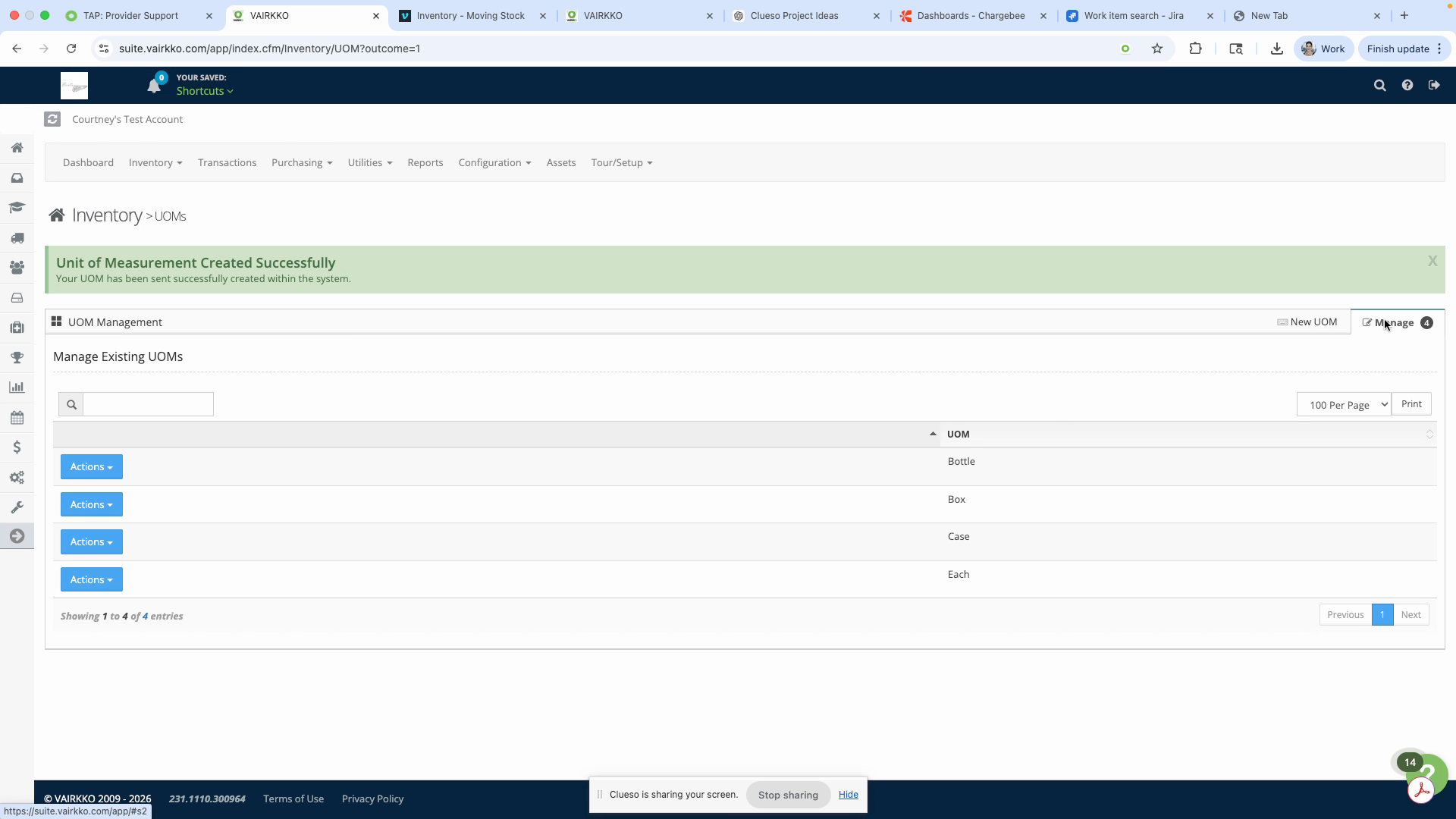
Step 8: Use the Actions button to edit or delete UOMs as needed.