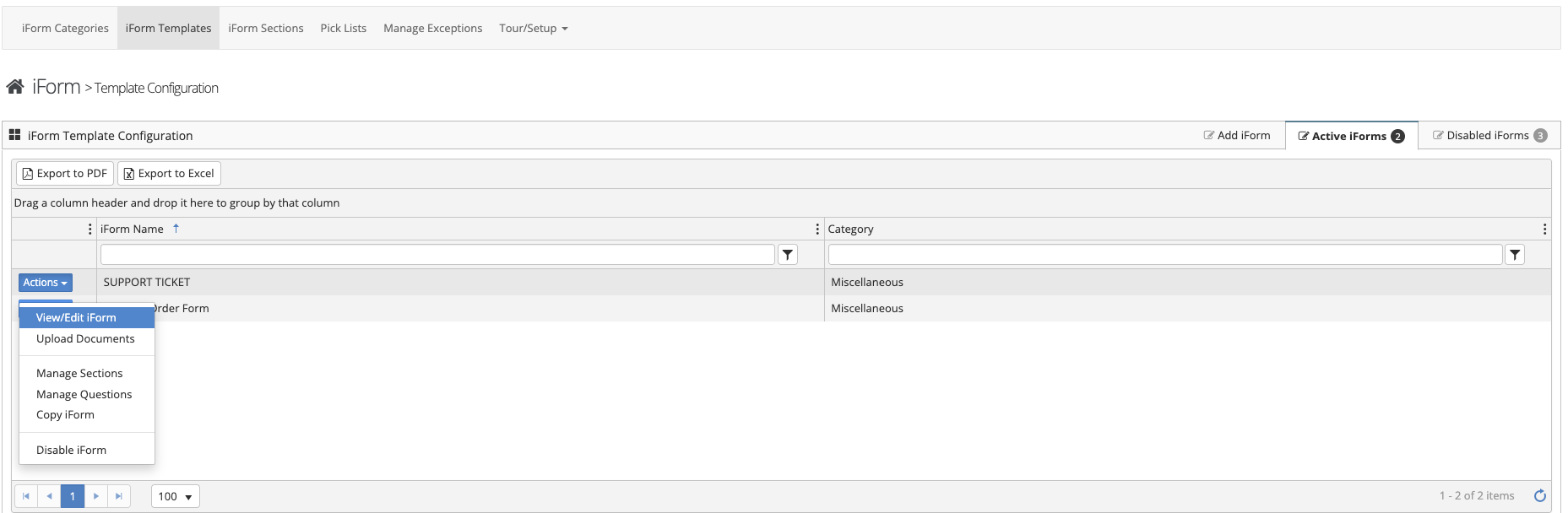
To edit an iForm Template follow the steps below.
Step 1: Log into the VAIRKKO Platform
Step 2: Access the Administrative area by clicking 'ADMIN' in the upper right-hand corner.
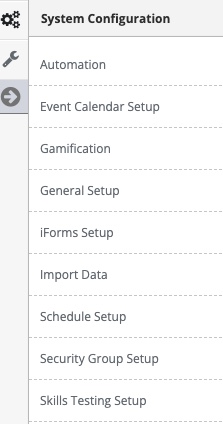
Step 3: Access the 'iForms Setup' from the Administrative Toolbar
Step 4: Select 'iForm Templates' from the in-app menu
Step 5: Select the 'Active Forms' tab
Step 6: Select 'View/Edit iForm' from the actions button to make changes to the template, select 'Upload Documents' to upload an associated document that is viewable by employees when they submit the iForm