To assign an iForm to an employee follow the steps below.
Step 1: Log into the VAIRKKO Platform
Step 2: Access the Administrative area by clicking 'ADMIN' in the upper right-hand corner.
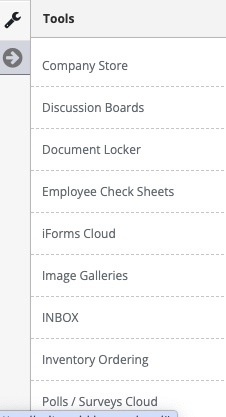
Step 3: Access the 'iForms Cloud' from the Administrative Toolbar
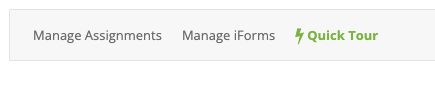
Step 4: Select 'Manage Assignments'
Step 5: Follow the on-screen prompts to assign the iForm
Additional Information
When assigning an iForm to an employee that employee will be issued a task. That task will provide your employee with a direct link to the iForm