To submit a configured iForm follow the steps below.
Step 1: Log into the VAIRKKO Platform
Step 2: Select iForms from the Tools drop down.
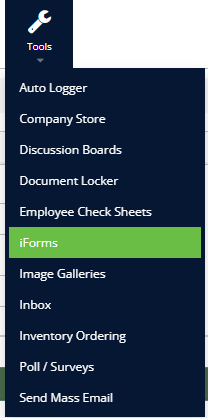
Step 3: Select the iForm you wish to complete from the specific category

Step 4: Follow the on-screen prompts to submit your iForms
iForm Options
- Filter/Search - Give you the ability to search for a specific iForm
- iForm Drafts - Displays any iForms you have started but not submitted
- My Submitted iForms - gives you the ability to view your submitted iForms
- If the submitted iForm is not closed you are able to open the submitted iForm and add notes.
- The iForm administrator will be notified of the note