Once you have entered your collision incident you can easily view, edit, or update the incident from the "Manage Current" tab.
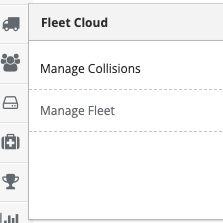
Step 1: Access the Collision Tracking area.
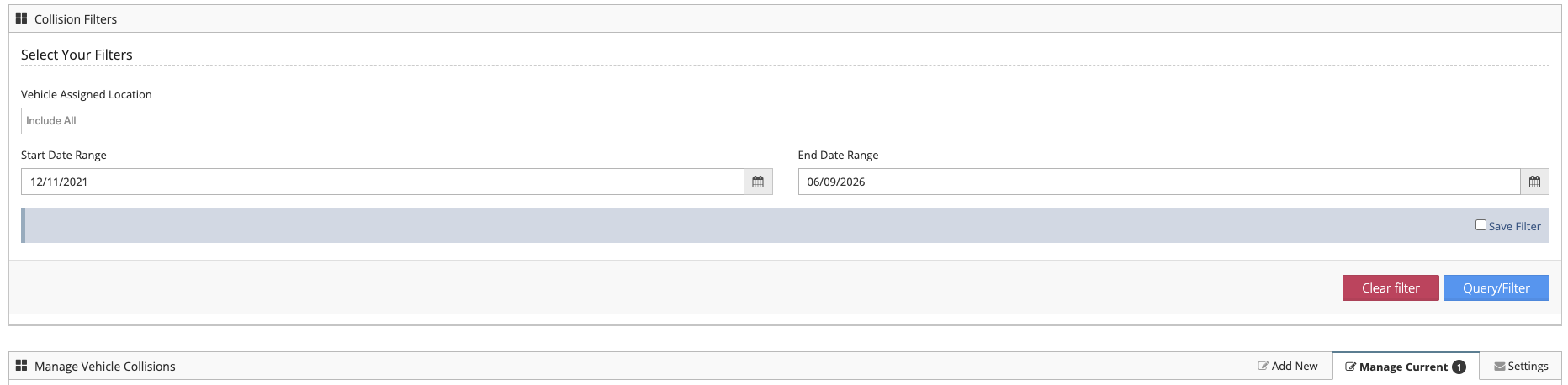
Step 2: To find your current incidents enter information into the filter area.
Step 3: Select the"Actions" button next to the incident you wish to interact with.
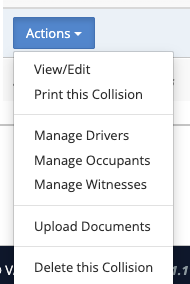
Step 4: From the "Actions" button determine which part of the incident you wish to interact with or which function you wish to carry out.
Was this article helpful?
That’s Great!
Thank you for your feedback
Sorry! We couldn't be helpful
Thank you for your feedback
Feedback sent
We appreciate your effort and will try to fix the article