To submit a stock order with the IMAT system follow the steps below.
Step 1: Log into the VAIRKKO Platform
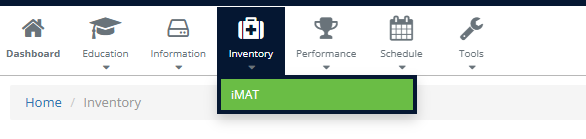
Step 2: Select 'IMAT' from the in-app menu.
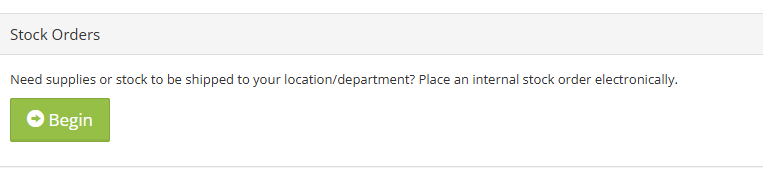
Step 3: Select 'Begin' in the stock order tile
Step 4: Follow the on-screen prompts to enter your stock order
Was this article helpful?
That’s Great!
Thank you for your feedback
Sorry! We couldn't be helpful
Thank you for your feedback
Feedback sent
We appreciate your effort and will try to fix the article