To process bids follow the steps below.
Step 1: Log into the VAIRKKO Platform
Step 2: Access the Administrative area by clicking 'ADMIN' in the upper right-hand corner.
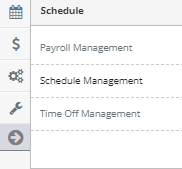
Step 3: Access the 'Schedule Management' from the Administrative Toolbar
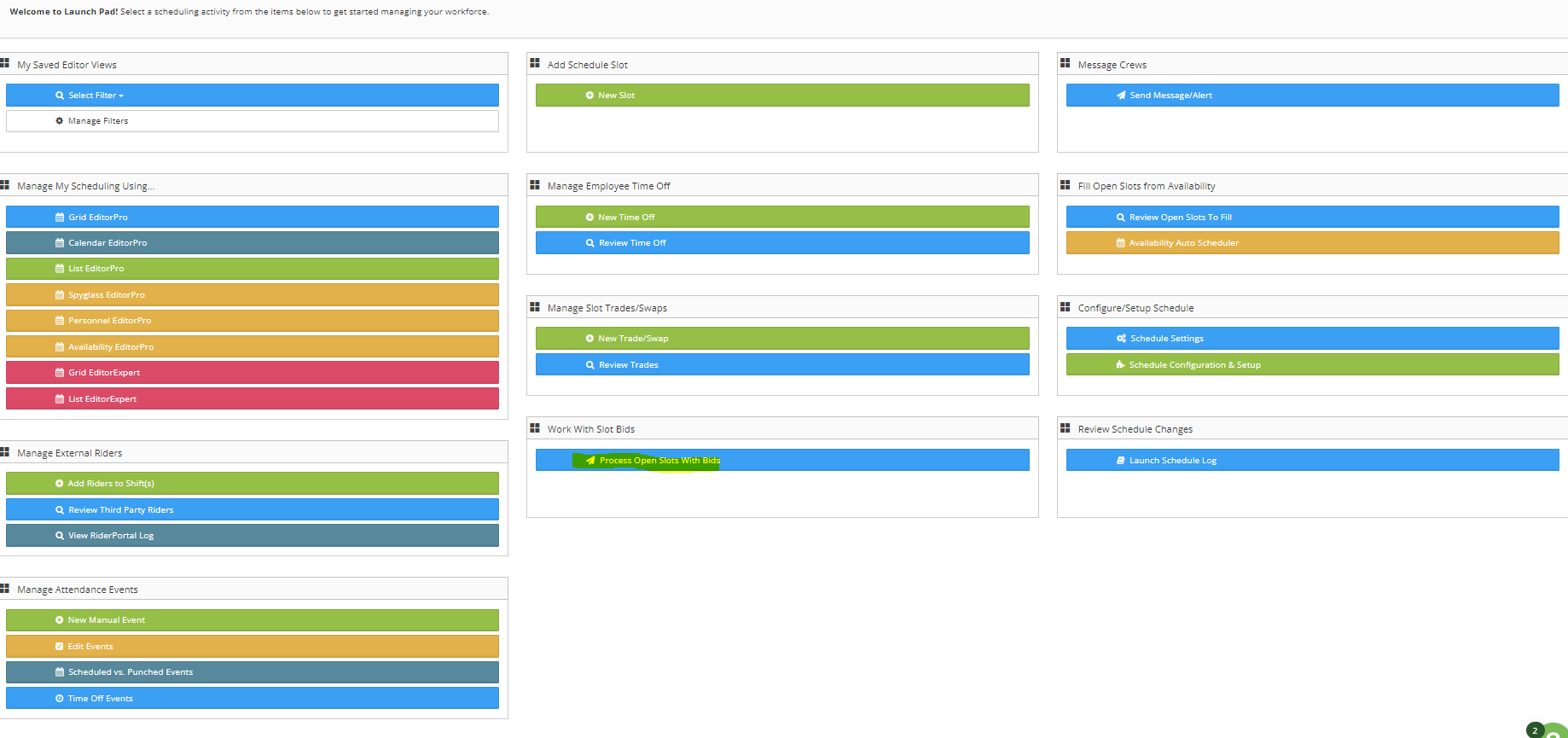
Step 4: Select 'Process Open Slots With Bids' from the Schedule Launch Pad
Step 5: Select the 'View Bids' option next to the shift you want to view. If no bids are present this will not be an option
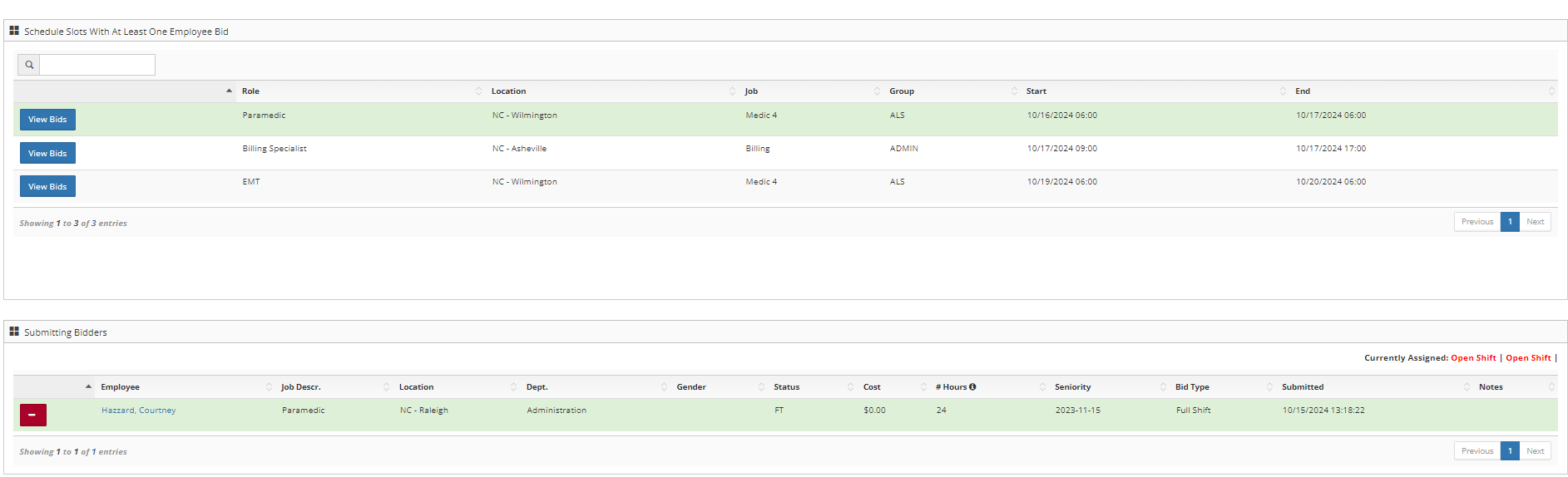
Step 6: Select the employee to place in the slot from the submitted bidder's area
Additional Information
- Read the 'Schedule Setup - Shift Bids/Giveaways' for more information
- If multiple bids are submitted for the same shift they can either be deleted or suppressed depending on your settings