To make a specific shift instant fill follow the steps below.
Step 1: Log into the VAIRKKO Platform
Step 2: Access the Administrative area by clicking 'ADMIN' in the upper right-hand corner.
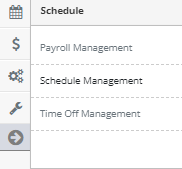
Step 3: Access the 'Schedule Management' from the Administrative Toolbar
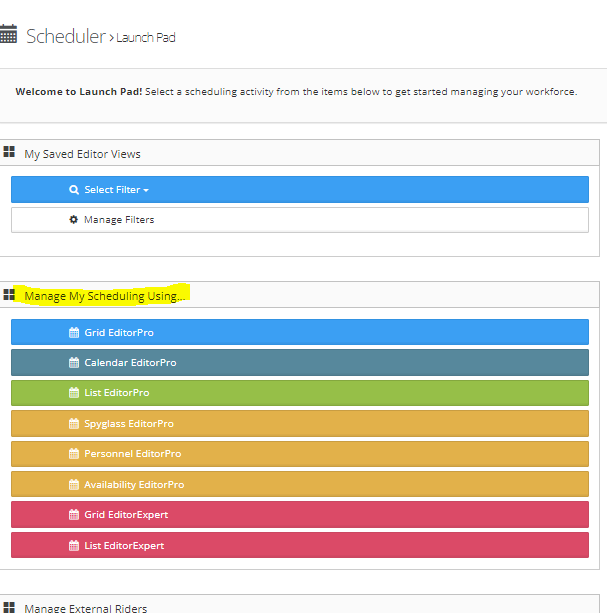
Step 4: Access the schedule by selecting your preferred editor
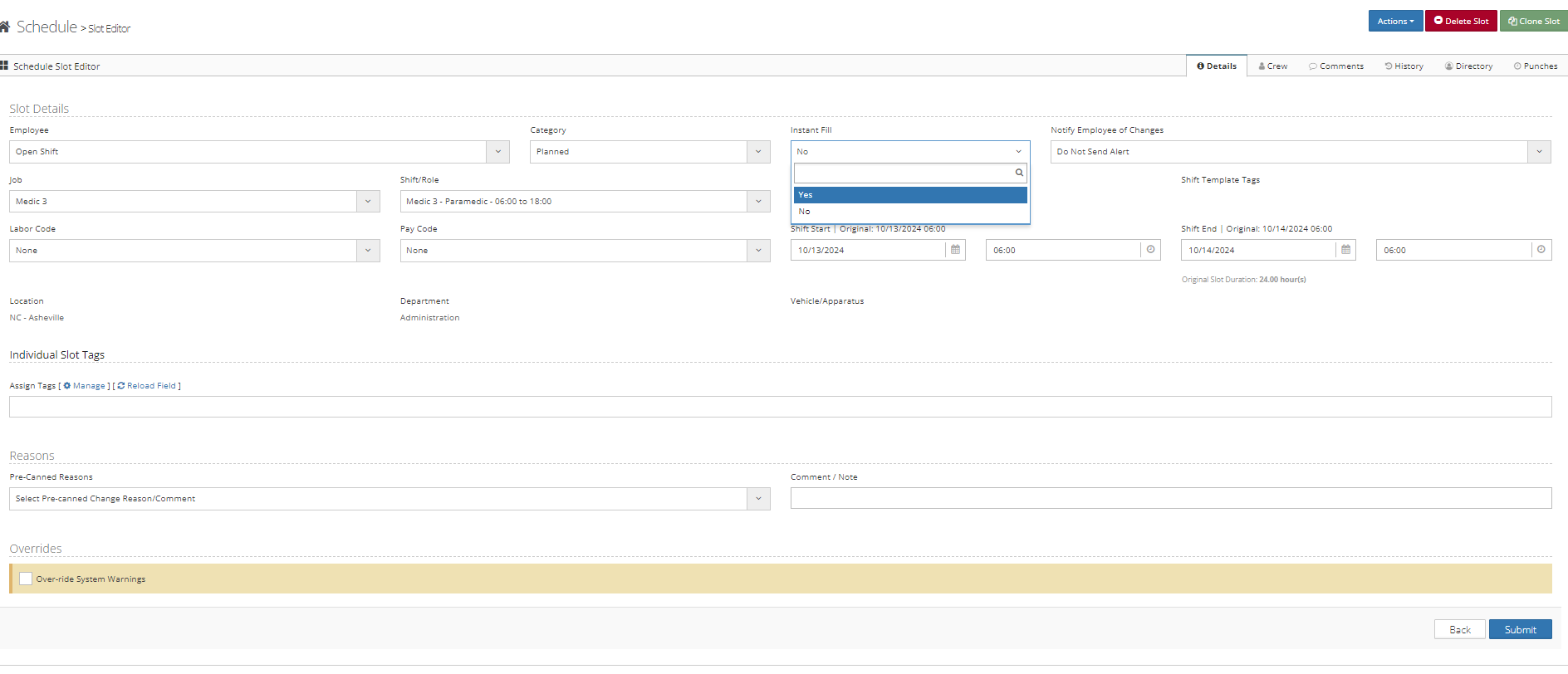
Step 5: Click the open slot you want to make instant fill
Step 6: Set the instant fill option on the slot editor to 'Yes'
Additional Information
Setting a specific shift to instant fill and then paging out the opening allows employees to use the link in the email to take the shift