To create reusable eSignature templates follow the steps below.
Step 1: Log into the VAIRKKO Platform
Step 2: Access the Administrative area by clicking 'ADMIN' in the upper right-hand corner.
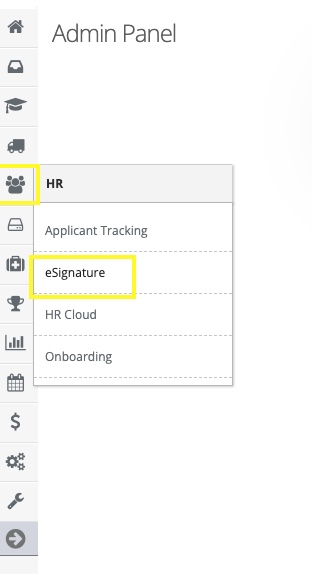
Step 3: Access the 'eSignature' from the Administrative Toolbar
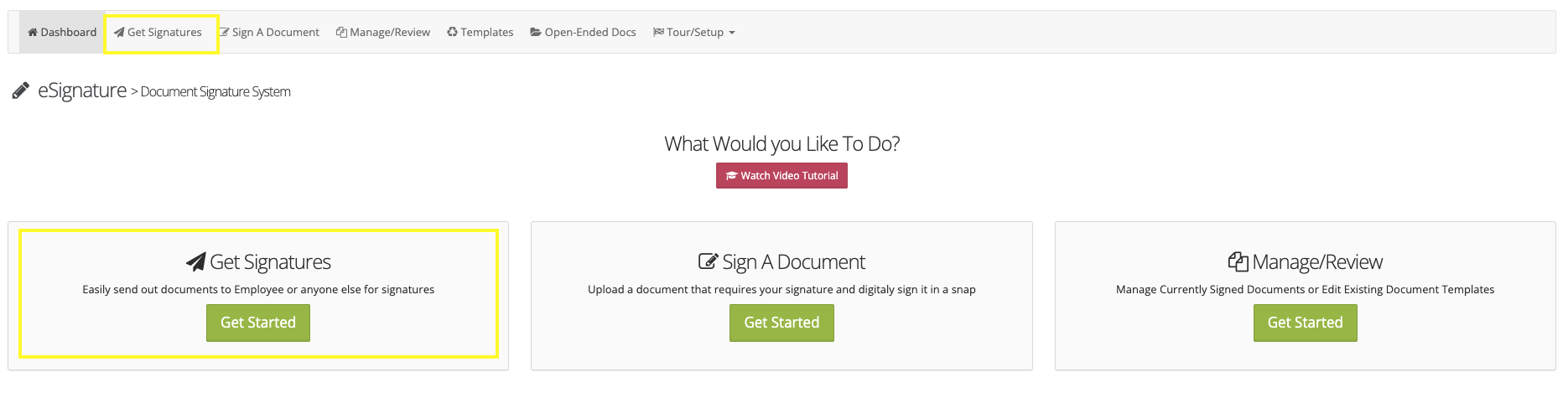
Step 4: Select either the 'Get Signatures' tile or 'Get signatures' from the in-app menu
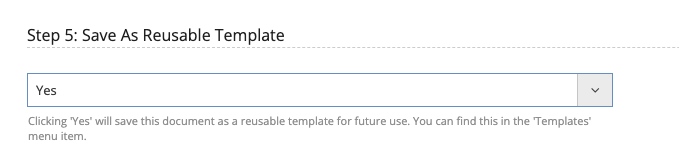
Step 5: When configuring your document select yes for making it a reusable template
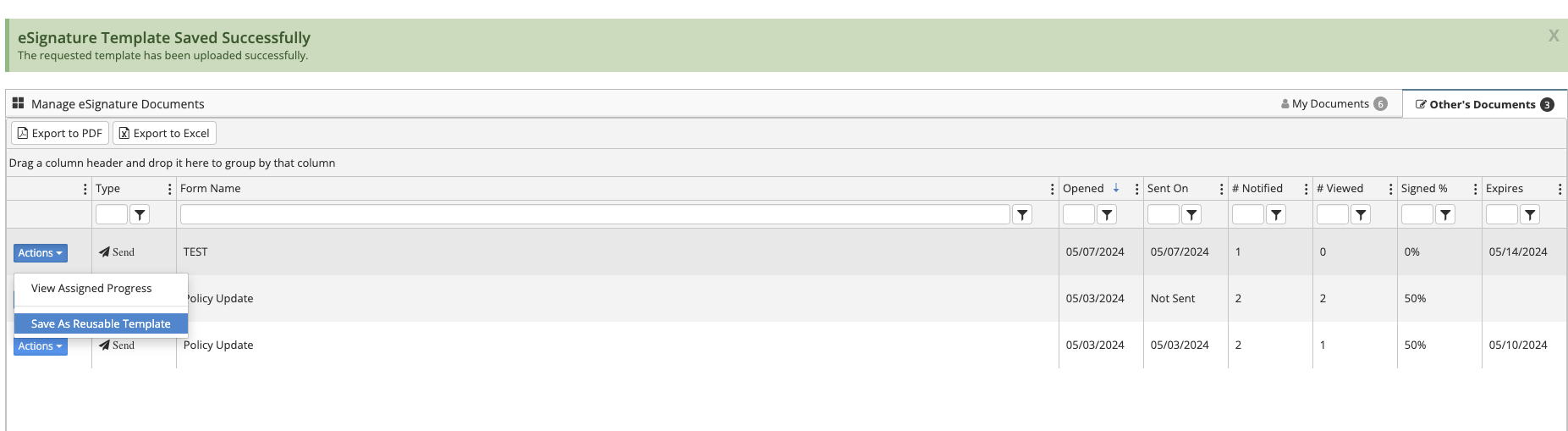
Step 6: You can also create a template from already sent documents
Step 7: Select the 'Manage/Review' tab
Step 8: Select 'Save as reusable template' from the actions button next to the sent document
Why create templates?
Templates give you the ability to reuse frequently sent documents without having to remap what fields need to be filled out or signed.