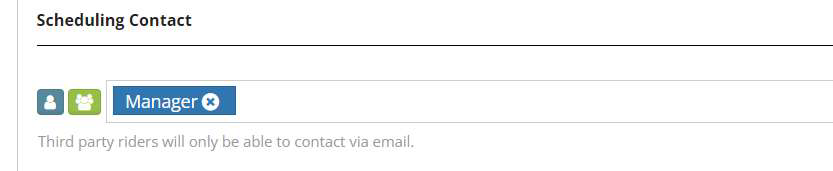
The scheduling contact is who will receive notifications when third riders cancel a request or request to contact supervisor.
Step 1. Log into the Vairkko Platform
Step 2: Select 'Admin' in the upper-right hand side of the screen.
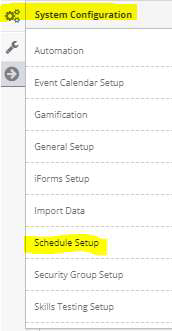
Step 3: Access ‘Schedule Setup’ from the Administrative Toolbar
Step 4: Access ‘Riders’ from the in-app menu

Step 5: Add individuals or groups by clicking on each icon next to the contact field.