The performance management platform gives you the ability to do self-evaluations to provide information to your supervisors about how you are progressing. To do a self-evaluation follow the steps below
Step 1: Log into the VAIRKKO Platform
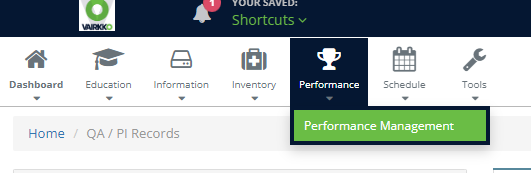
Step 2: Select 'Performance Management' from the in-app menu
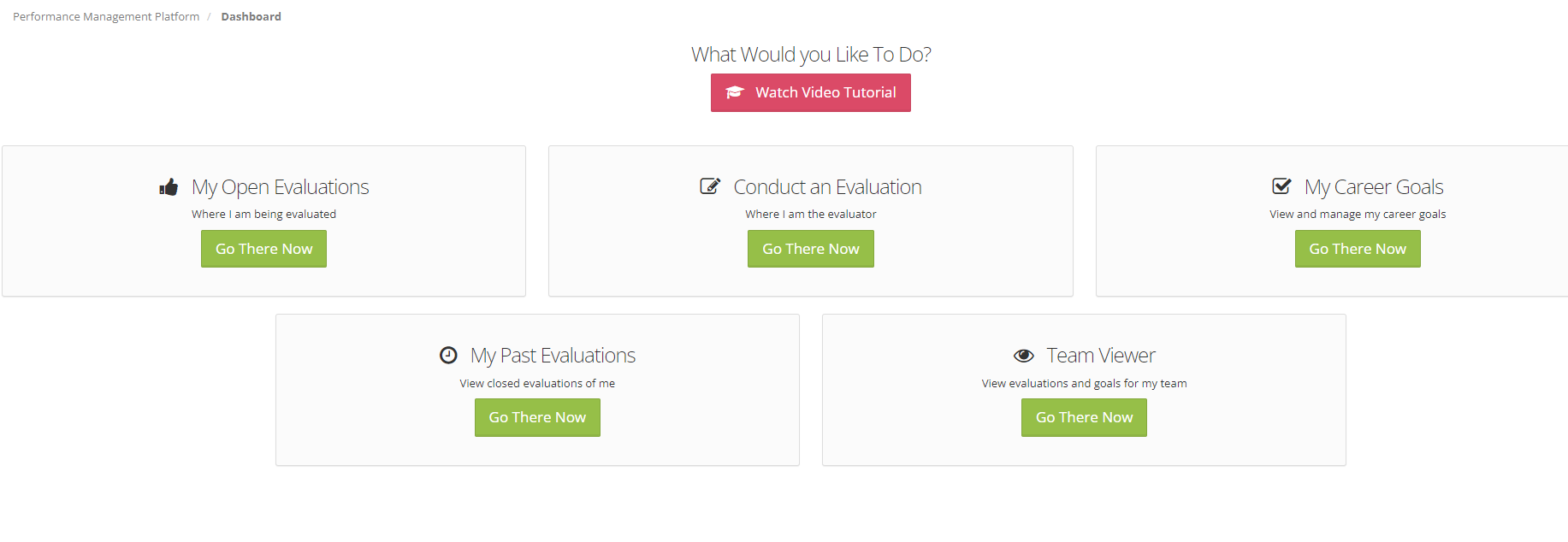
Step 3: Select the 'Conduct An Evaluation' tile
Step 4: Select the 'Self Evaluation' button
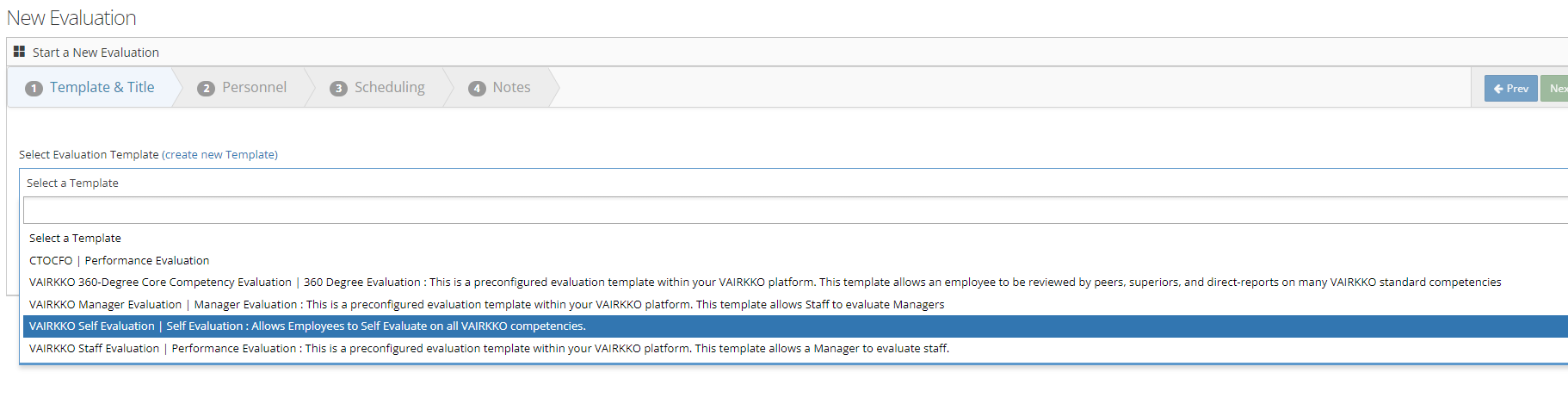
Step 5: Follow the on-screen prompts to do your evaluation