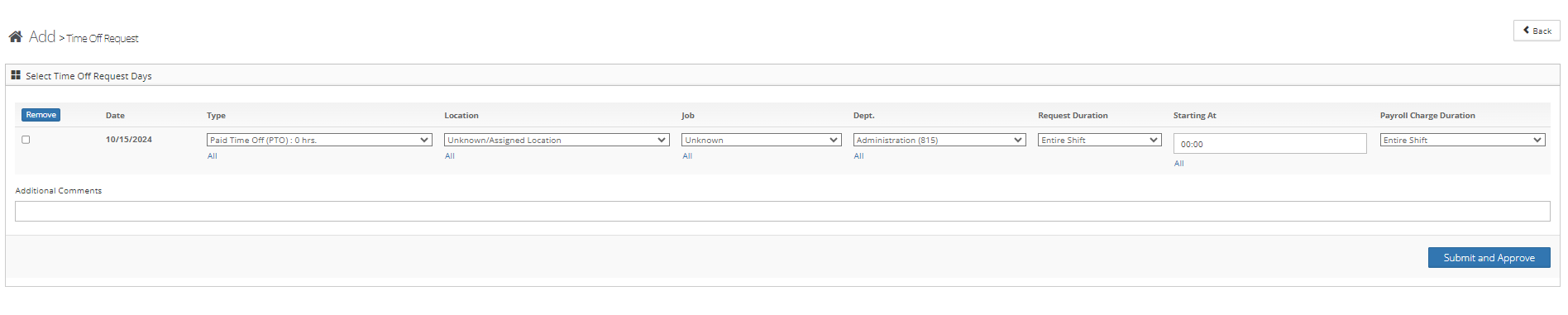
To add a time-off request for an employee follow the steps below.
Step 1: Log into the VAIRKKO Platform
Step 2: Access the Administrative area by clicking 'ADMIN' in the upper right-hand corner.
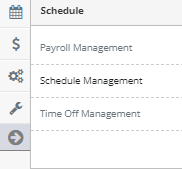
Step 3: Access the 'Schedule Management' from the Administrative Toolbar
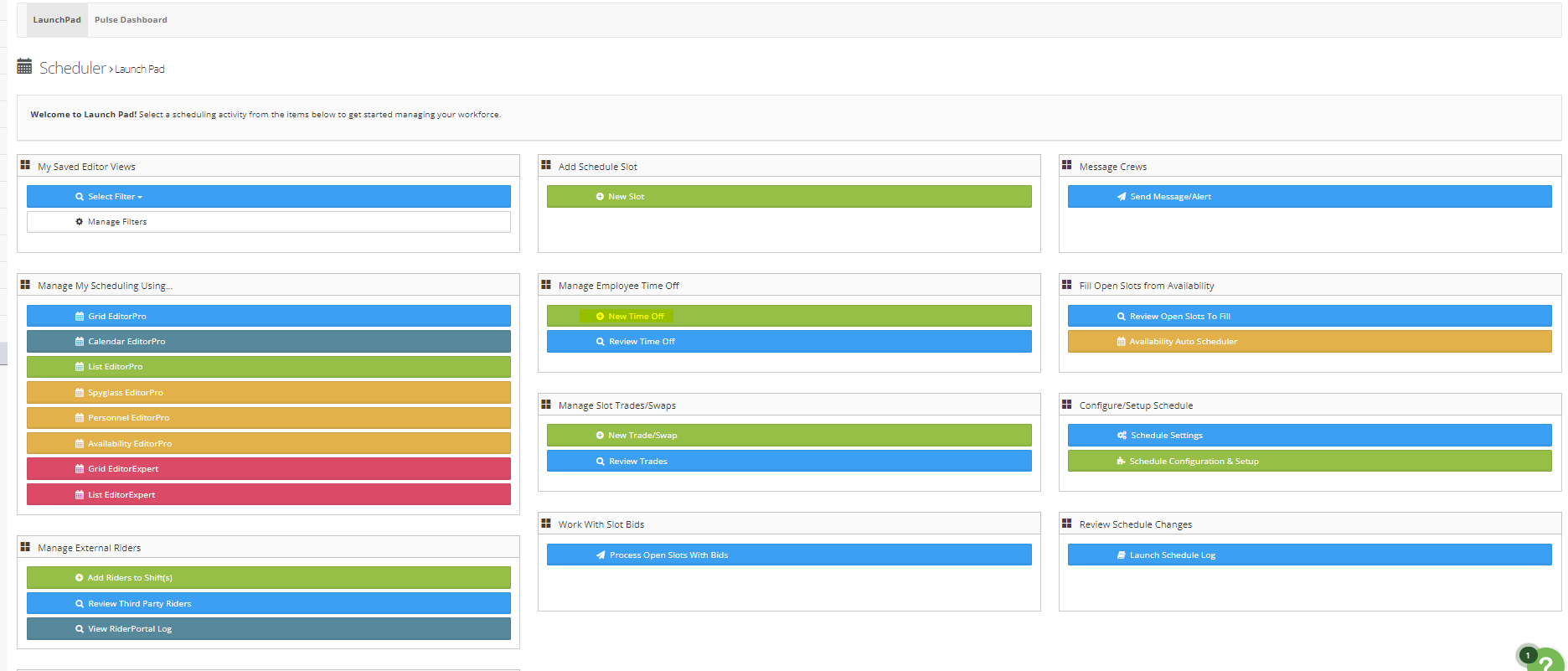
Step 4: From the Launch Pad area select 'New Time Off'
Step 5: Fill in the filter areas to find the date you want to enter

Step 6: Enter the time-off information to submit and APPROVE the request