To configure your availability settings follow the steps below.
Step 1: Log into the VAIRKKO Platform
Step 2: Access the Administrative area by clicking 'ADMIN' in the upper right-hand corner.
Step 3: Access the 'Schedule Setup' from the Administrative Toolbar
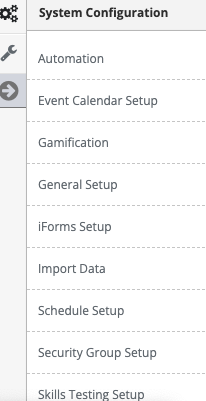
Step 4: 'Availability' from the in-app menu
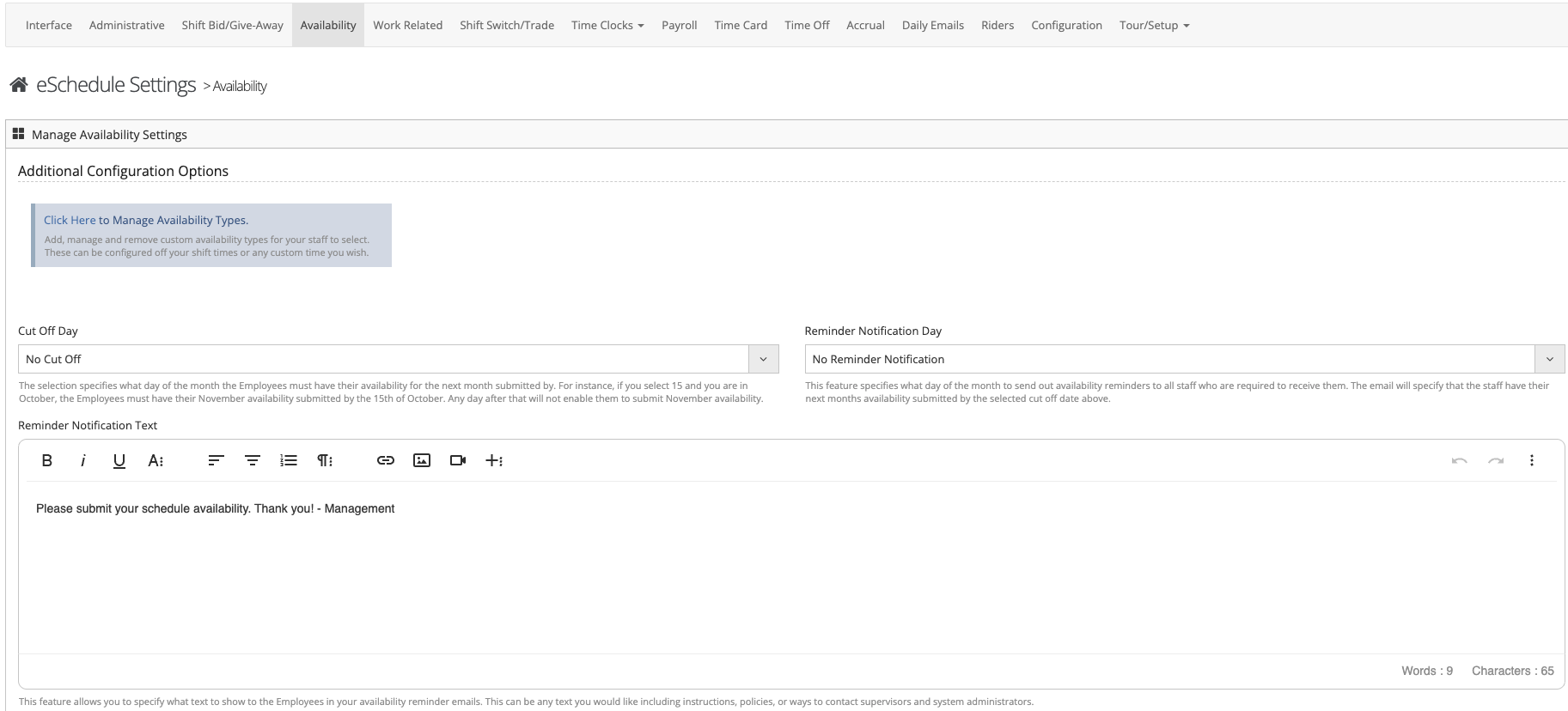
Step 5: Follow the on-screen prompts to configure the following settings:
- Manage Availability Types - Allows you to configure custom availability hours.
- Availability - Allows you to determine a cut off date for submitting availability, reminder date, and reminder text.