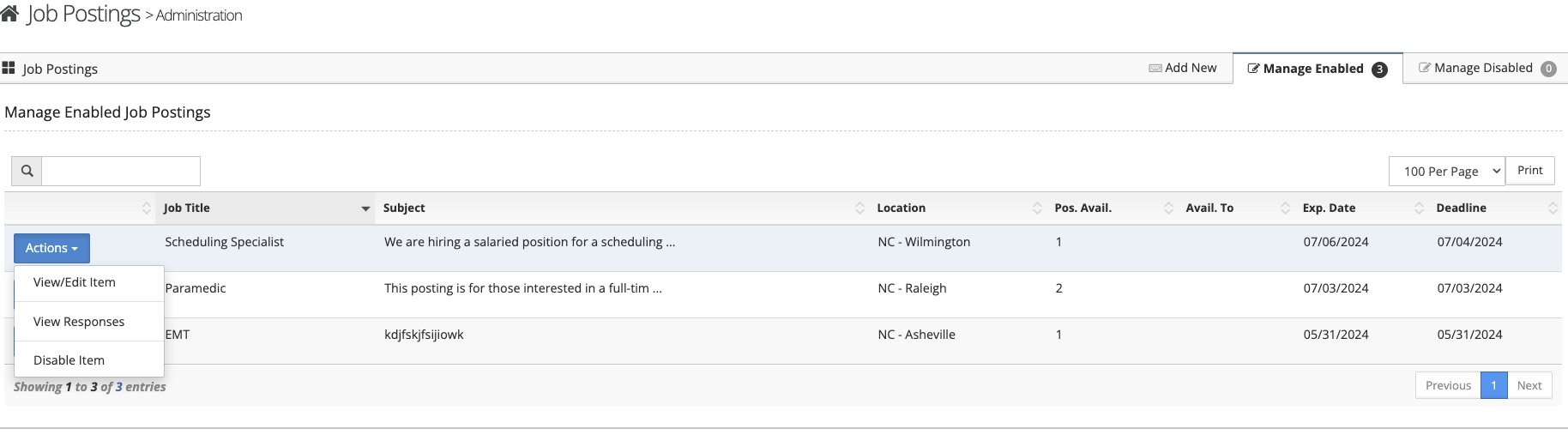
To post a job using the job posting feature follow the steps below.
Step 1: Log into the VAIRKKO Platform.
Step 2: Select 'Admin' in the upper-right hand side of the screen.
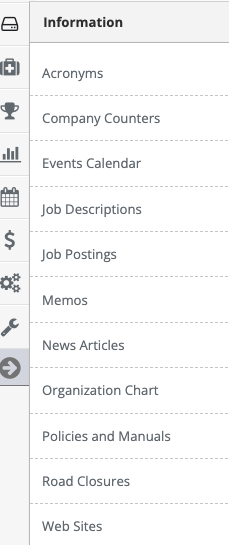
Step 3: Access 'Job Posting' from the Administrative Toolbar
Step 4: Select the 'Add New' tab

Step 5: Follow the on-screen prompts to post your job
Managing Posted Jobs/Reviewing Applicants
Step 1: Select the 'Manage Enabled' or Manage Disabled' tab
Step 2: From the actions button next to your posted job you can view/edit the posting, View Responses from employees applying, or disable the job.