Issuing Certifications to an Employee
Follow the steps below to issue a certification to one or more employees in VAIRKKO.
How to Issue a Certification
Step 1: Log In
Log into the VAIRKKO platform.
Step 2: Access Admin
Click “Admin” in the upper right-hand corner.
Step 3: Open Certification Cloud
From the Administrative toolbar, select “Certification Cloud.”
Step 4: Open Issue Tool
From the in-app menu, select “Issue.”
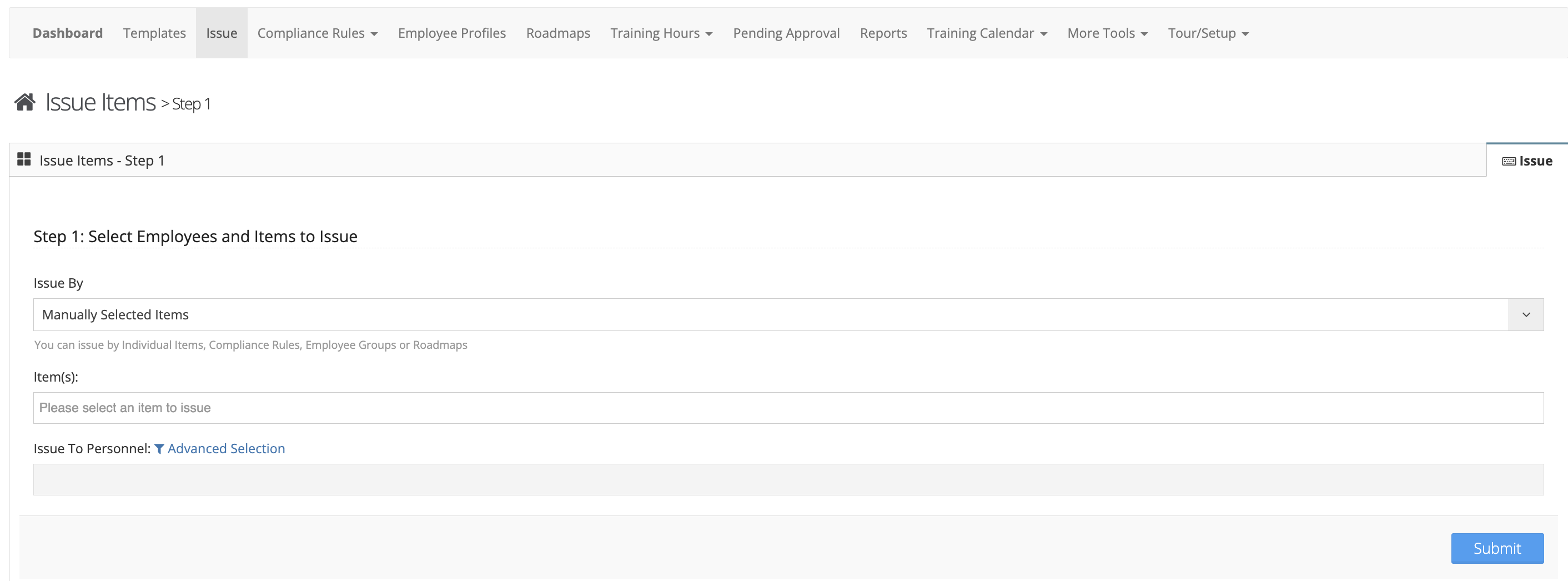
Step 5: Select Certifications and Employees
Choose:
- How you want to issue the certification
- The certification(s) to be issued
- The employee(s) who will receive them
Step 6: Set Dates
Enter the:
- Activation Date
- Expiration Date
Step 7: Add Optional Details
If applicable, you may also:
- Enter a certification number
- Upload an image or document of the certification
(This step is optional)