To process scheduled vs punched events follow the steps below.
Step 1: Log into the VAIRKKO Platform
Step 2: Access the Administrative area by clicking 'ADMIN' in the upper right-hand corner.
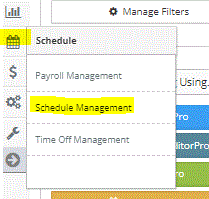
Step 3: Access the 'Schedule Management' from the Administrative Toolbar
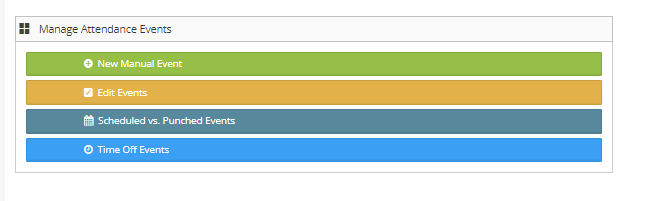
Step 4: From the Launch Pad area select 'Scheduled vs. Punched Events'
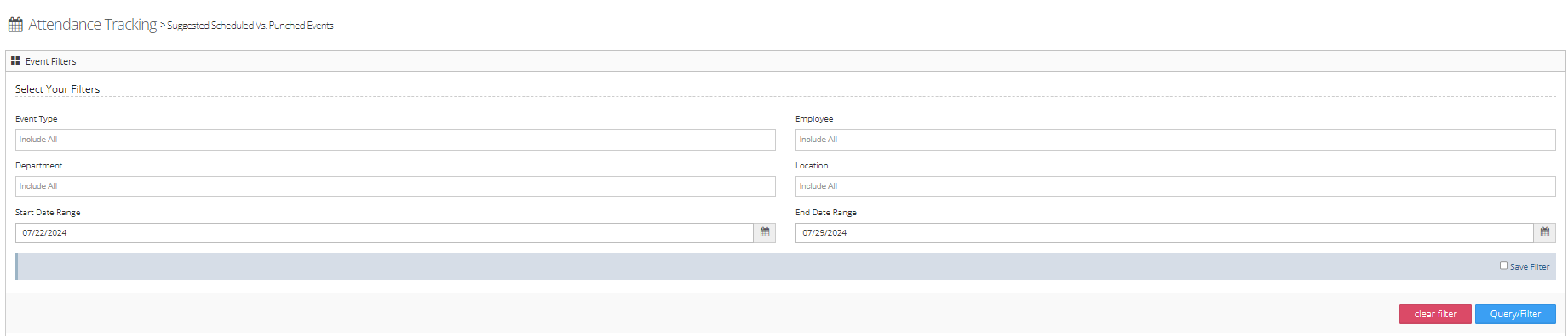
Step 5: You can use the filter to search for specific events
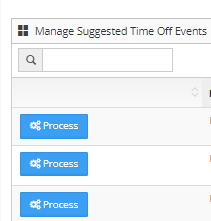
Step 6: Select 'Process' next to the event you want to interact with
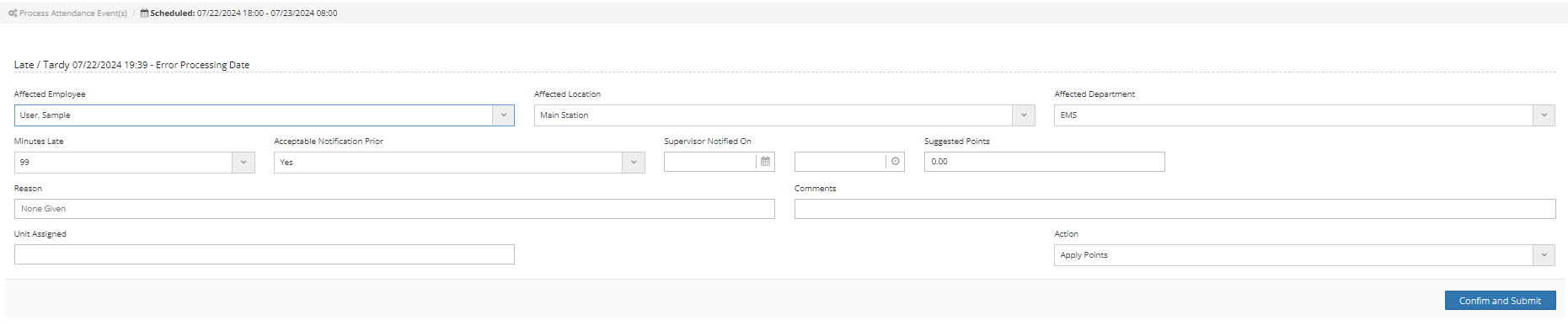
Step 7: Fill in the remaining information to complete the process
What is a Scheduled vs Punched Event?
A scheduled vs. punched event compares the employee's schedule to their punch history. For example, if an employee clocks in late, clock out early, or misses a punch it will show in this area. By selecting the process button it reduces the amount of information needed to complete the event.
Additional Information
The process event feature allows you to add and track attendance events easier. When you utilize the process feature the location, department, and the time span is prepopulated.