To publish your company schedule to your Agency's website follow the steps below.
Step 1: Log into the VAIRKKO Platform
Step 2: Access the Administrative area by clicking 'ADMIN' in the upper right-hand corner.
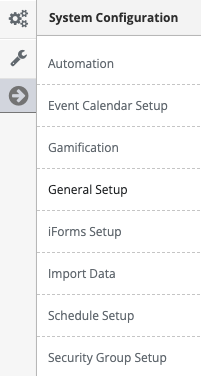
Step 3: Access the 'General Setup' from the Administrative Toolbar
Step 4: Select 'System API's' from the in-app menu.
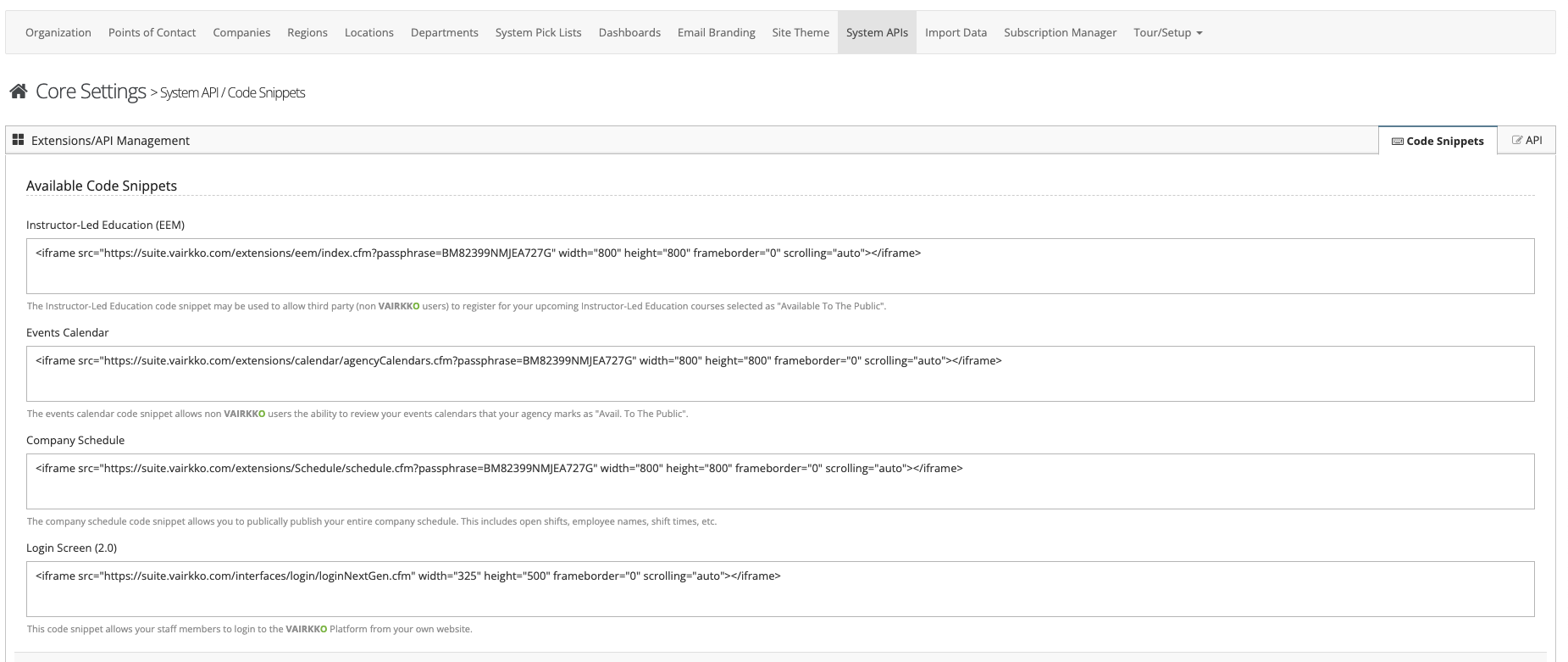
Step 5: Copy the code snippet located under 'Company Schedule' this code will need to be given to your web developer to publish on your website.