To create or manage your time off types continue reading below.
Step 1: Log into the VAIRKKO Platform
Step 2: Access the Administrative area by clicking 'ADMIN' in the upper right-hand corner.
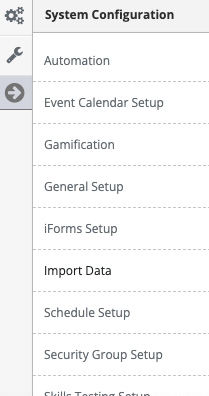
Step 3: Access the 'Schedule Setup' from the Administrative Toolbar
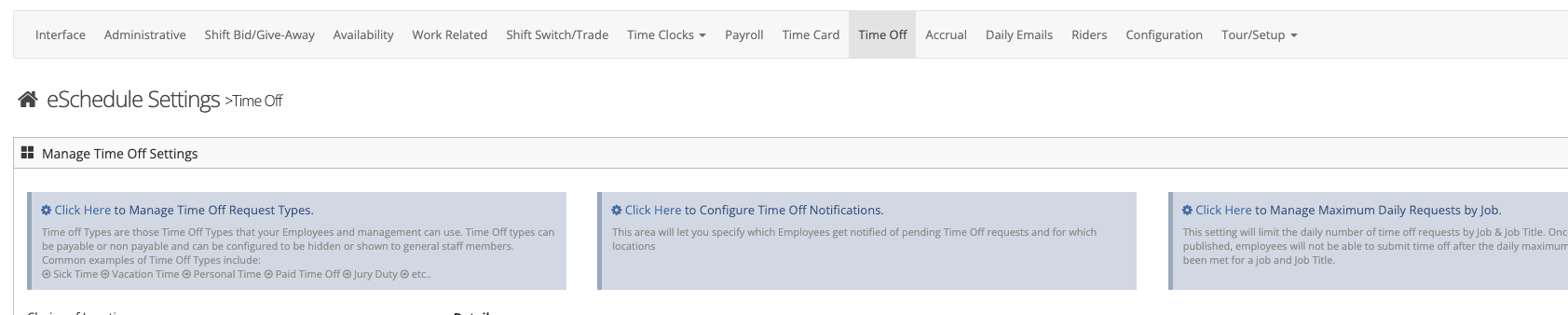
Step 4: 'Time Off' from the in-app menu
Step 5: Select Click Here to manage time off types
Step 6: Select the 'Add' tab

Step 7: Follow the on-screen prompts to configure your time off type
Managing Time Off Types
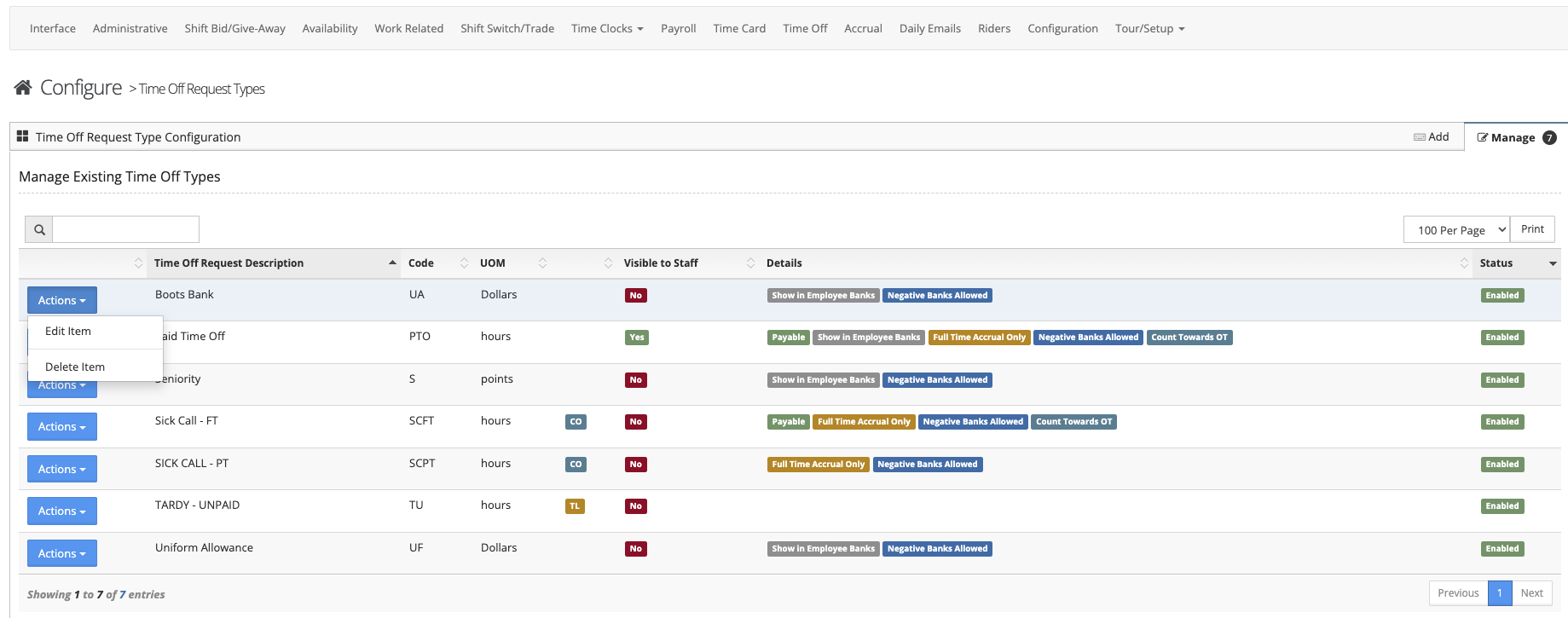
Step 1: Select the 'Manage' tab
Step 2: Select either "Edit' to make changes to the time off type or Delete' to remove the time off type from the actions button next to the time off type
Additional Information
- Non-Payable types will still remove the employee from the schedule but will display on the payroll export
- Visible to the staff allows the staff to request this type