To publish news and announcements to your staff follow the steps below.
Step 1: Log into the VAIRKKO Platform.
Step 2: Select 'Admin' in the upper-right hand side of the screen.
Step 3: Access 'News Articles' from the Administrative Toolbar
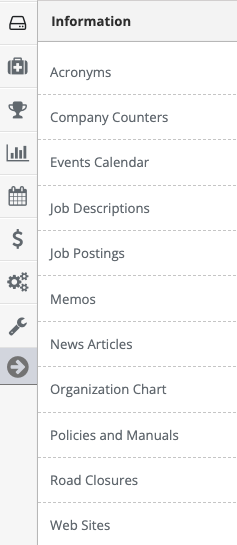
Step 4: Select the 'Post New' tab

Step 5: Follow the on-screen prompts to enter your article or announcement
Step 6: From the 'Manage' tab you can update or delete any published articles.