To access the Organization Chart follow the steps below.
Step 1: Log into the VAIRKKO Platform.
Step 2: Select 'Admin' in the upper-right hand side of the screen.
Step 3: Access 'Organization Chart' from the Administrative Toolbar
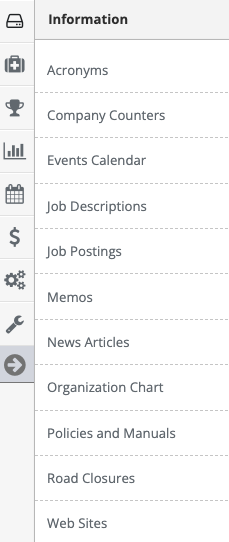
Step 4: This shows you a read-only version of the organization chart
Setting up your Organization Chart
Your organization chart is determined by your employee's supervisor which is listed on the employee's HR page. For the organization chart to show up at least one employee has to have 'Upper Management' set as their supervisor. That supervisor setting will make that employee the top person on the chart.