To post a new electronic memo follow the steps below.
Step 1: Log into the VAIRKKO Platform
Step 2: Access the Administrative area by clicking 'ADMIN' in the upper right-hand corner.
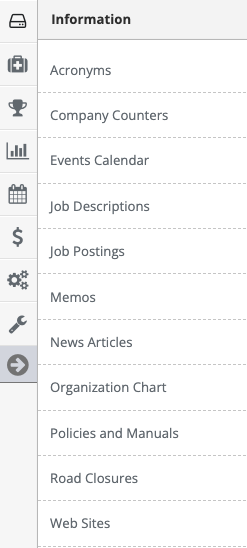
Step 3: Access the 'Memos' from the Administrative Toolbar
Step 4: Select the 'Post New' tab
Step 5: Follow the on-screen prompts to add your new memo.
Additional Information:
- Required Acknowledgement - When a memo is set to require acknowledgment you will still be able to navigate within the VAIRKKO Platform. The memo will be highlighted red showing it is a required memo.
- Sticky Memo - If a memo is posted as a sticky memo it will remain posted near the top of the list regardless of when it was originally posted.
- Show Memo to Future Hires - This will automatically publish this memo to a newly hired employees.